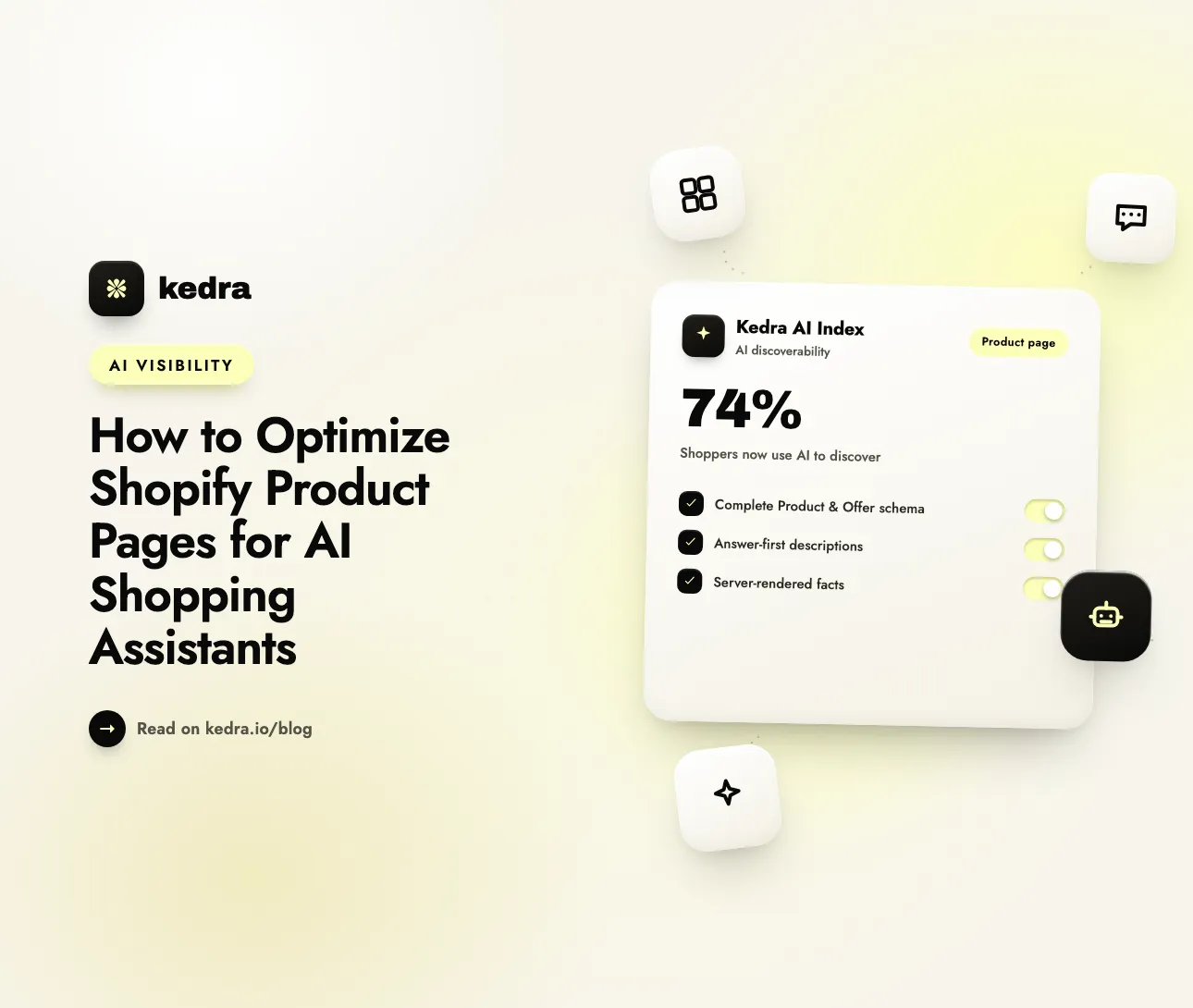
To optimize Shopify product pages for AI shopping assistants, give each page a complete Product and Offer schema (name, brand, GTIN, price, availability, reviews), rewrite descriptions to answer real buying questions, and make sure every fact is server-rendered in the raw HTML. AI assistants recommend the product whose record they can read and trust - not the one with the prettiest page.
Shopping now starts inside a chat box. In August 2026, NIQ reported that 74% of shoppers use AI for product discovery (NIQ, August 2026), and that traffic is unusually valuable: Adobe Analytics found AI-referred visitors to US retail sites convert 54% better than non-AI traffic, spend 53% more time on site, and browse 23% more pages per visit (Digital Commerce 360, citing Adobe Analytics, June 2026). If ChatGPT, Perplexity, and Gemini can’t read your product page cleanly, you lose the highest-intent shoppers on the internet before they ever see your brand.

The good news: fixing this is on-page work you control, product page by product page. This guide walks through the exact changes - the structured data fields, the description rewrite, and the rendering checks - that make a Shopify product page quotable by AI assistants. You can check any store’s AI readiness free in about 60 seconds, then automate the technical layer with Kedra AI Index.
Table of contents
- How do AI shopping assistants actually read a product page?
- Which structured data fields do AI assistants need?
- How should I write product descriptions for AI?
- Why does server-rendered content matter for AI crawlers?
- How do I keep facts consistent across the page?
- Product page AI optimization checklist
- How Kedra AI Index automates product-page optimization
- Frequently Asked Questions
How do AI shopping assistants actually read a product page?
AI shopping assistants don’t browse like humans. They take a shopper’s request, break it into intent, query commerce data sources, and synthesize an answer with specific recommendations. They recommend products by retrieving structured data and reasoning over it - not by reading marketing copy. As Ranketta’s teardown of AI product discovery put it, assistants “recommend products when the product record contains facts the assistant can map to the shopper’s request,” not because a headline says “best.”
That single distinction reframes the whole optimization job. A product page has to serve two readers at once:
- The human shopper, who scans images, reviews, and benefit copy.
- The machine reader (GPTBot, ClaudeBot, PerplexityBot, OAI-SearchBot, Google-Extended), which extracts named facts: what the item is, the selected variant, price, availability, specs, shipping, and returns.
When a shopper asks Perplexity, “waterproof hiking boots under $150 for wide feet,” the assistant is matching that query against structured attributes - category, price, width, waterproofing - across every product record it can read. If your page hides those facts in an image, a PDF, or JavaScript, your boot simply isn’t a candidate. Getting cited starts with being machine-legible, which is the same foundation covered in our guide to why your store is invisible to AI shoppers.
Want to know where your product pages stand right now? Run the free AI Visibility Checker - it probes crawler access, structured data, and commerce readiness and returns a 0-100 score, no login required.
Which structured data fields do AI assistants need?
Structured data (JSON-LD following Schema.org’s Product and Offer types) is the single most important optimization for AI-readable product pages. It hands the assistant clean, unambiguous facts instead of forcing it to guess from layout. Google’s own Merchant Center documentation requires name, image, and offers (with price, priceCurrency, and availability) for a page to be eligible for product experiences, and requires AggregateRating whenever ratings are shown on the page (Google Merchant Center Help, 2026).
For AI shopping assistants in 2026, aim for a fuller record. The high-value Product/Offer fields are:
- name - the exact product title.
- brand - your brand name, stated identically everywhere.
- gtin / mpn / sku - the identifiers that let an assistant match your item across retailers and aggregate reviews. GTIN is the most valuable; without it, the product is ambiguous.
- description - a real description (see the next section), not a keyword dump.
- image - a high-resolution, canonical image URL.
- offers.price and offers.priceCurrency - the active price and its ISO 4217 currency code (USD, GBP, EUR).
- offers.availability -
InStock,OutOfStock, orPreOrder. - offers.itemCondition - new, used, or refurbished.
- aggregateRating and review - your rating value, review count, and sample reviews.
- url - the canonical product URL.
A one-line definition worth quoting: structured data is the machine-readable “spec sheet” of your product page - the facts an AI assistant reads to decide whether your item answers the shopper’s question.
Two practical notes. First, server-render schema for fast-changing fields like price and availability; JavaScript-injected JSON-LD is slower and less reliable for crawlers to read. Second, the schema must mirror what a shopper sees - if the visible price is $49 but the JSON-LD says $59, you’ve created a contradiction that gets your page discounted or skipped. For a deeper field-by-field reference, our companion piece on why stores stay invisible to AI breaks down the twelve-attribute product record agents look for.
How should I write product descriptions for AI?
Rewrite descriptions to answer the questions shoppers actually ask. Most Shopify descriptions are feature lists with marketing flair - and an AI assistant can extract some facts from them but can’t map them to a natural-language query. The fix is an answer-first, problem-solution structure that names the customer, the use case, and the outcome.
Compare the two. A feature-list description:
“Premium stainless-steel water bottle. 750ml capacity. Double-wall vacuum insulation. Available in six colors.”
An answer-first description that AI can confidently recommend:
“Built for commuters and gym-goers who want a drink still cold after an 8-hour day. The double-wall vacuum insulation keeps liquids cold for 24 hours and hot for 12, the 750ml size fits standard car cup holders and bike cages, and the leak-proof lid is dishwasher-safe. Weighs 340g empty.”
The second version front-loads a direct answer, then supplies extractable specs (24h/12h, 750ml, 340g, dishwasher-safe) in plain declarative sentences. That is exactly the format AI engines lift into an answer. A few rules that keep descriptions both human- and machine-friendly:
- Lead with the use case and the shopper, not the feature name.
- Write self-contained sentences - avoid “it” and “this” that need prior context to make sense out of the paragraph.
- State specs as facts (numbers, materials, dimensions, compatibility) rather than adjectives (“huge,” “ultra-durable”).
- Put key facts above the fold in the rendered HTML, not buried in a tab that loads later.
This description discipline is the on-page half of a bigger content strategy; the same problem-solution rewrite is one of the fixes in our diagnostic on why stores stay invisible to AI shoppers, and it works best paired with a current llms.txt file so assistants can find those pages in the first place.

Why does server-rendered content matter for AI crawlers?
Because most AI crawlers don’t run JavaScript. GPTBot, ClaudeBot, and similar agents read the raw HTML your server returns - if your product title, price, description, and availability only appear after client-side scripts execute, the crawler sees empty containers and loading spinners. The page looks perfect in your browser and blank to the assistant.
The two-minute test: open a product page, use your browser’s “View Page Source” (not “Inspect Element”), and search the raw HTML for your product name, current price, and stock state. If they’re all present, you’re server-rendering the facts that matter. If they only appear in the live DOM, you have a rendering gap that makes the product invisible to every non-JavaScript AI crawler.
According to SeekLab’s teardown of AI-readable product pages, the stock state and current price must be “present in tested rendered HTML,” and navigation to related resources - shipping, returns, compatibility - needs to use crawlable <a href> links, not script-only handlers. Dynamic Shopify themes, headless storefronts, and apps that inject content client-side are the usual culprits. The fix is to ensure your theme and apps output core product facts in the initial server response. This is also why a store can rank on Google (which renders JavaScript) yet be invisible to ChatGPT - a gap we explain in the free 60-second ChatGPT visibility check.
How do I keep facts consistent across the page?
Make every product fact identical across four places: the visible page, the JSON-LD schema, your product feed, and your Shopify settings. AI models are cautious about recommending a brand whose details conflict - if your product page says “ships free over $50,” the schema says $59 for the price while the banner says $49, and the returns tab says 14 days but the policy page says 30, the assistant has no reliable version to cite. The safe move for the model is to recommend a competitor whose facts agree everywhere.
SeekLab states the rule directly: “Keep the same product facts aligned across the page, JSON-LD, product feed, and merchant settings.” Price, selected variant, and stock must match identically across all four. The fields that most often drift:
- Price and sale price - between the visible price, the schema, and the feed.
- Availability - a page marked in stock while the feed says sold out.
- Variant details - weight, dimensions, and materials differing between the page copy and the JSON-LD.
- Shipping thresholds and return windows - stated one way on the product page, another on policy pages.
Consistency is unglamorous, high-ROI work: it eliminates a common disqualifier and costs nothing but attention. It’s also the hardest thing to maintain by hand as products, prices, and inventory change - which is exactly where automation earns its place.
Product page AI optimization checklist
Use this as a per-page pass. A page that clears all eight is a strong candidate for AI recommendation:
- Complete
Product+OfferJSON-LD - name, brand, GTIN/MPN/SKU, price, currency, availability, condition, image, URL. AggregateRating+Reviewmarkup wherever ratings are shown.- Answer-first description naming the customer, use case, and outcome, with specs as declarative facts.
- Server-rendered core facts - title, price, availability, and description present in “View Page Source.”
- Crawlable
<a href>links to shipping, returns, and related products. - One canonical URL per product, matching the schema
url. - Consistent facts across page, schema, feed, and Shopify settings.
- AI crawler access -
robots.txtallows GPTBot, ClaudeBot, PerplexityBot, OAI-SearchBot, and Google-Extended.
How Kedra AI Index automates product-page optimization
Doing all eight steps once, across a catalog of hundreds of products, is a big lift. Keeping them true as prices, inventory, and themes change is harder - AI optimization decays the moment you add a product or a theme update resets your robots.txt. Kedra AI Index was built to hold this layer in place automatically for Shopify stores.
Here’s how it maps to the work above:
- Validates and reinforces structured data - generates and monitors complete
Product/OfferJSON-LD across your catalog, so new products ship with full schema instead of partial defaults. - Watches AI crawler access - flags any AI crawler your
robots.txtblocks (GPTBot, ClaudeBot, PerplexityBot, and others) and shows which ones actually visit your pages, so regressions surface before they cost visibility. - Replaces Shopify’s generic
llms.txtwith one about your catalog - a machine-readable index of your catalog that stays current as products change. New to it? Start with our Shopify merchant’s guide to llms.txt. - Pushes updates via IndexNow - so price and availability changes reach AI indexes in hours, not weeks.
- Scores your AI readiness - a single AI Score across the technical signals that determine visibility, with the specific actions that move it.
The result is product pages that stay machine-legible without a dedicated AI-search analyst on staff. Kedra AI Index has a free tier, so you can install it, see your baseline AI Score, and start foundational fixes before any budget conversation.
See exactly where your product pages stand: run the free AI Visibility Checker for an instant 0-100 score, then install Kedra AI Index to automate the fixes.
Frequently Asked Questions
What is the most important product page change for AI visibility?
Complete, accurate, server-rendered Product and Offer structured data. AI assistants recommend products by reading structured facts - name, brand, GTIN, price, availability, and reviews - not marketing copy. A page with full JSON-LD that matches the visible content and loads in the raw HTML is the single highest-impact change, because it makes your product a candidate the assistant can actually evaluate.
Do AI shopping assistants read my product descriptions?
Yes, but as a source of extractable facts, not persuasion. Assistants pull specs, use cases, and outcomes from your description to match a shopper’s natural-language query. Feature-list copy gives them little to work with; an answer-first description that names the customer, the use case, and concrete specs (dimensions, materials, timing) is far more likely to be lifted into an AI answer.
How do I check if my Shopify product page is server-rendered?
Open the product page, choose “View Page Source” (not “Inspect Element”), and search the raw HTML for your product title, current price, and stock status. If all three appear, the facts are server-rendered and AI crawlers can read them. If they only show up in the live page after scripts run, JavaScript rendering is hiding your product from non-JavaScript AI crawlers like GPTBot and ClaudeBot.
Which AI crawlers should my product pages allow?
At minimum, allow GPTBot and OAI-SearchBot (OpenAI/ChatGPT), ClaudeBot (Anthropic), PerplexityBot (Perplexity), and Google-Extended (Gemini and AI Overviews). Check yourstore.com/robots.txt for any Disallow rules targeting these agents, and confirm no security app is blocking them as generic bots. If a crawler can’t reach the page, no amount of schema or description work will get you cited.
Does optimizing for AI hurt my Google SEO?
No - it reinforces it. Complete structured data, server-rendered content, consistent facts, and clear descriptions are the same signals Google’s merchant listings and rich results reward. Optimizing product pages for AI shopping assistants is largely the modern version of technical ecommerce SEO, with the added requirement that facts must be readable without JavaScript.
Turn Product Pages Into AI Recommendations
Product pages are where AI shopping gets decided. The assistants sending the highest-converting traffic on the internet can only recommend what they can read, trust, and match to a shopper’s question - which comes down to complete structured data, answer-first descriptions, server-rendered facts, and consistency across every source.
Start by measuring: run the free AI Visibility Checker to see your 0-100 score across crawler access, structured data, and commerce readiness. Then install Kedra AI Index to maintain the schema and a store-specific llms.txt that keep your product pages quotable as your catalog grows - and to flag crawler blocks before they cost you. The stores that fix this first become the default recommendation in their category - and dislodging a brand the AI already trusts only gets harder over time.