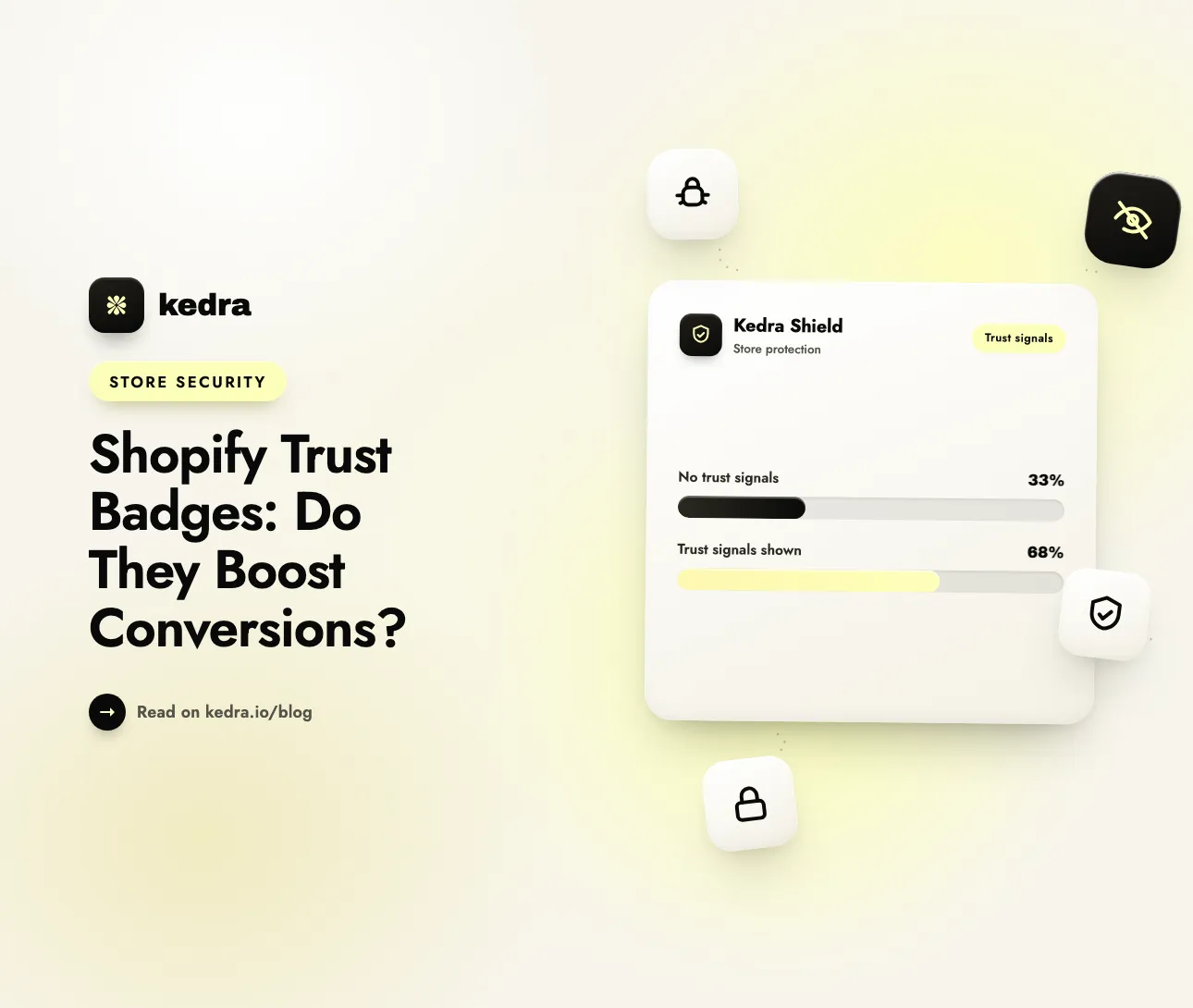
Shopify trust badges can boost conversions, but not on their own. Their real job is closing the trust gap that makes shoppers hesitate at payment. Baymard Institute found 19% of US shoppers abandoned a recent purchase because they “didn’t trust the site with their credit card information.” Visible, credible security signals recover those wavering buyers—when they’re honest and well-placed.
That single statistic reframes the whole debate. A trust badge is not a decorative sticker; it is a targeted answer to a specific fear that costs stores real revenue at the exact moment a shopper reaches for their card. The question is not whether to signal security, but how to do it so the lift is real and durable rather than a placebo that evaporates the first time a customer looks closely.

Table of Contents
- Do trust badges actually increase conversions?
- What is a trust badge, exactly?
- What the data really says about the size of the lift
- Which trust signals move the needle on Shopify?
- Where you place security signals matters as much as which ones
- Why “fake” badges test well—and why you shouldn’t rely on them
- How Kedra Shield turns your trust signals into real protection
- Frequently Asked Questions
Do trust badges actually increase conversions?
Yes, but the size of the effect depends heavily on who is shopping and how much they already trust you. The honest, evidence-based answer is: trust badges help most for unknown brands, first-time visitors, and higher-consideration purchases, and help least for established stores where shoppers already feel safe.
This matters because a lot of marketing content quotes a blanket “trust badges lift conversions 32%” figure with no source. Rigorous, controlled A/B tests tell a more nuanced story. Some badges help, some are neutral, and a poorly chosen or vague badge can even hurt. As checkout-testing agency CartyLabs put it in its 2026 analysis, the old rule that “add SSL badges, conversion goes up” was true in 2014 and is only partially true now—some badges still help, some are neutral, and a small number actively hurt.
The takeaway is not “badges don’t work.” It’s that badges work by reducing a real, measurable anxiety—so the biggest gains go to the stores where that anxiety is highest.
If you want to see where your store’s trust signals stand today, start with our guide to the security confidence shoppers judge in the first three seconds, then layer the tactics below onto your checkout.
What is a trust badge, exactly?
A trust badge is a small visual element—an SSL/security seal, a payment-method logo, a money-back guarantee, or a verified-business mark—that signals a store is safe to buy from. In plain terms: a trust badge is a shortcut that tells a nervous shopper “your money and data are safe here” without asking them to read a security policy.
Most shoppers can’t evaluate real security. Baymard Institute’s research is blunt about this: the average user’s sense of how secure a page is comes down to a “gut feeling” that is “to a large extent directed by how visually secure the page looks.” Few shoppers know what SSL means, but they feel safer when they see a padlock or the logo of a brand like Norton near the payment fields.
Trust badges generally fall into a few families:
- Security/SSL seals — Norton, McAfee, or a padlock icon signaling encrypted, safe data entry.
- Payment badges — Visa, Mastercard, PayPal, Shop Pay, and Apple Pay logos that signal familiar, protected payment rails.
- Guarantee badges — money-back, satisfaction, or free-returns marks that remove financial risk.
- Social-proof and verification badges — review-platform seals, “verified store,” or third-party fraud-protection marks.
- Policy signals — visible shipping, returns, and privacy links that reassure without a graphic at all.
What the data really says about the size of the lift
The most credible numbers come from controlled experiments and repeated survey research, not round marketing claims. Here’s what named sources actually report.
| Source (date) | What it measured | Result |
|---|---|---|
| Baymard Institute (2025) | Checkout abandonment for security reasons | 19% of US shoppers abandoned a recent purchase because they didn’t trust the site with their card info |
| Statista, via Shopify (2025) | Same abandonment behavior, US survey | 19% abandoned a purchase for security reasons in the past three months |
| ConversionTeam A/B test (published 2018) | Adding a Norton badge beside an existing seal at checkout | +12.2% conversion, +14.3% transactions, +16.6% revenue at 95% confidence |
| CartyLabs (2026) | Live Shopify checkout badge tests | Mixed: some help, some neutral, a few hurt |
The ConversionTeam case is worth reading carefully because it’s transparent about its method: 3,480 users split between a control and a variation, a statistically significant result (p = 0.049), on a high-consideration purchase (custom home plans). That combination—an unfamiliar brand plus an expensive, emotional buy—is exactly the profile where trust badges earn their biggest lifts.
The lesson for Shopify merchants is to set expectations by context. If you’re a new store, sell high-ticket or sensitive products, or drive cold paid traffic to your checkout, a well-placed security signal can produce a double-digit lift. If you’re an established brand with loyal, returning customers who already trust you, expect a smaller—but still worthwhile—effect. Either way, don’t invent a number: test it on your own store.
Which trust signals move the needle on Shopify?
Not all badges are equal. Baymard’s surveys—run five times over a decade (2013, 2016, 2019, 2020, and 2021)—consistently found that trust seals based on business verification outperformed purely technical SSL seals in user confidence, and that Norton was the single most trusted seal. Counterintuitively, a familiar brand name reassures shoppers more than an accurate technical claim they don’t understand.
For a Shopify store, the signals worth prioritizing are:
- Recognizable payment logos at checkout — Shop Pay, PayPal, Visa/Mastercard, and Apple Pay are trusted rails shoppers already use; showing them borrows that trust.
- A visible security/SSL indicator near the card fields — a padlock or a named security seal placed where the anxiety peaks.
- A money-back or returns guarantee — removing financial risk is one of the most reliably positive signals in testing.
- Real fraud and store protection — a store that is demonstrably protected from bots, scrapers, and fraudulent orders can say so honestly (more on this below).
- Transparent policies and contact details — a real address, a reachable support channel, and clear shipping/returns terms are trust signals even without a graphic.
Avoid vague, custom “100% secure” badges you designed yourself with no third-party backing. In aggregated testing these tend to perform worst, because they make a claim shoppers can’t verify and savvier buyers discount.

Where you place security signals matters as much as which ones
You can show the perfect badge and still get no lift if it’s in the wrong place. Baymard’s central design finding is that shoppers judge security field by field, not page by page—even though every field on an HTTPS page is equally encrypted. The credit card fields feel the most sensitive, so that’s where reassurance has to live.
Baymard’s tested recommendations are specific and easy to apply in a Shopify theme:
- Visually encapsulate the credit card fields with a border, background shade, or box so they read as a distinct, protected zone.
- Place one or two security icons inside that encapsulated area, right next to the card input—not stranded in the footer.
- Avoid layout quirks and visual glitches, which Baymard found can erode trust even on major, well-known brands.
This is also why first impressions and page integrity matter so much. A broken image, a mismatched font, or a slow, janky checkout undercuts every badge on the page. Trust is cumulative: shoppers add up dozens of small signals, and one jarring flaw can cancel out a wall of seals. The same dynamic drives cart abandonment when security concerns go unaddressed—the doubt starts long before the pay button.
Why “fake” badges test well—and why you shouldn’t rely on them
Here’s the uncomfortable finding merchants need to hear. In Baymard’s testing, a completely fabricated seal the researchers invented performed better than most established SSL vendors’ seals (only Norton clearly beat it). Adding any visual icon raised perceived security, even when the icon meant nothing.
It’s tempting to read that as permission to slap a meaningless “secure checkout” graphic on the page and call it done. Don’t. Two reasons:
- Perceived security without real security is a liability. A shopper reassured by a badge, who then suffers a fraudulent charge, a data problem, or a store overrun by bots and fake orders, converts once and never returns—and may tell others. The badge borrowed trust you couldn’t back up.
- The store, not the sticker, is what’s actually at risk. Fake orders, content scrapers, credential-stuffing bots, and checkout fraud don’t care what your footer says. They exploit stores that look trustworthy but aren’t actually defended.
The durable version of a trust signal is one you can stand behind: your store really is protected, so saying “secure checkout” is a fact, not a costume. That’s where the badge and the backend need to line up.
How Kedra Shield turns your trust signals into real protection
A trust badge promises safety; Kedra Shield delivers it, so the promise your checkout makes is one your store can keep. Shield is a Shopify security app that hardens the store behind your trust signals against the threats that quietly erode both conversions and reputation—bots, scrapers, content and image theft, spy/competitor tools, and high-risk fraudulent traffic.
Here’s how that maps to the trust problem this article is about:
- Block bad bots and scrapers before they inflate your analytics, steal product content and images, or probe your checkout—so the “secure” claim near your card fields is backed by an actual defended perimeter.
- Restrict or challenge high-risk traffic (including VPN/proxy and specific countries) to cut the fraudulent and fake orders that damage trust with real customers and payment processors.
- Protect your content and IP so competitors can’t scrape your product descriptions and images—keeping the original, credible storefront that shoppers judge in seconds uniquely yours.
- Run quietly with no checkout slowdown, which matters because a laggy, glitchy checkout erodes the exact perceived security your badges are trying to build.
The workflow is straightforward: install Kedra Shield, turn on bot and scraper protection, set your risk rules for proxy/VPN and geography, and let it filter the traffic your trust signals can’t. Now your on-page badges aren’t just borrowing trust—they’re telling the truth. For a broader hardening plan, pair it with a monthly Shopify security routine.
Install Kedra Shield on the Shopify App Store and back your checkout’s trust signals with protection shoppers can count on.
Frequently Asked Questions
Do trust badges really increase Shopify conversions?
They can, especially for new or unknown stores, first-time visitors, and higher-consideration purchases. Baymard Institute found 19% of US shoppers abandon a purchase over card-security doubts, and controlled A/B tests have shown double-digit lifts from a well-placed security seal. For established, trusted brands the effect is smaller—always test on your own store.
Where should I put trust badges at checkout?
Directly beside the credit card fields, inside a visually encapsulated box (a border or shaded background) that marks those fields as a protected zone. Baymard’s research shows shoppers judge security field by field, so a badge stranded in the footer does far less than one placed where payment anxiety actually peaks.
Which trust badges work best on Shopify?
Recognizable, third-party-backed signals: familiar payment logos (Shop Pay, PayPal, Visa/Mastercard, Apple Pay), a named security seal like Norton, and a money-back or returns guarantee. Baymard found business-verification trust seals outperform purely technical SSL seals, because shoppers trust names they recognize over claims they can’t evaluate.
Are fake or generic “secure checkout” badges a good idea?
No. Baymard found even a meaningless invented seal raised perceived security, but relying on that is risky. A badge that promises safety your store can’t deliver converts a shopper once, then loses them—and their trust—after a bad experience. Back visual signals with real fraud and bot protection so the claim is true.
Can trust badges hurt conversions?
Occasionally, yes. CartyLabs’ 2026 testing found some badges are neutral and a few actively hurt—typically vague, self-made “100% secure” graphics that make an unverifiable claim, or cluttered badge walls that look spammy. Use a small number of recognizable, credible signals and test any addition rather than assuming it helps.
The bottom line on trust badges and conversions
Shopify trust badges boost conversions when they answer a real fear at the right moment for the right shopper. The evidence—19% of buyers abandoning over card-security doubts, double-digit lifts in controlled tests, and consistent Baymard findings on placement and recognizable seals—points to a clear playbook: use a few credible signals, put them beside the card fields, and never fake trust you can’t back up.
The last part is the one most stores skip. A badge is only as honest as the store behind it. Protect that store from the bots, scrapers, and fraudulent orders that quietly undermine trust, and your signals become the truth instead of a bluff.
Get Kedra Shield free on the Shopify App Store and make “secure checkout” a promise you actually keep.