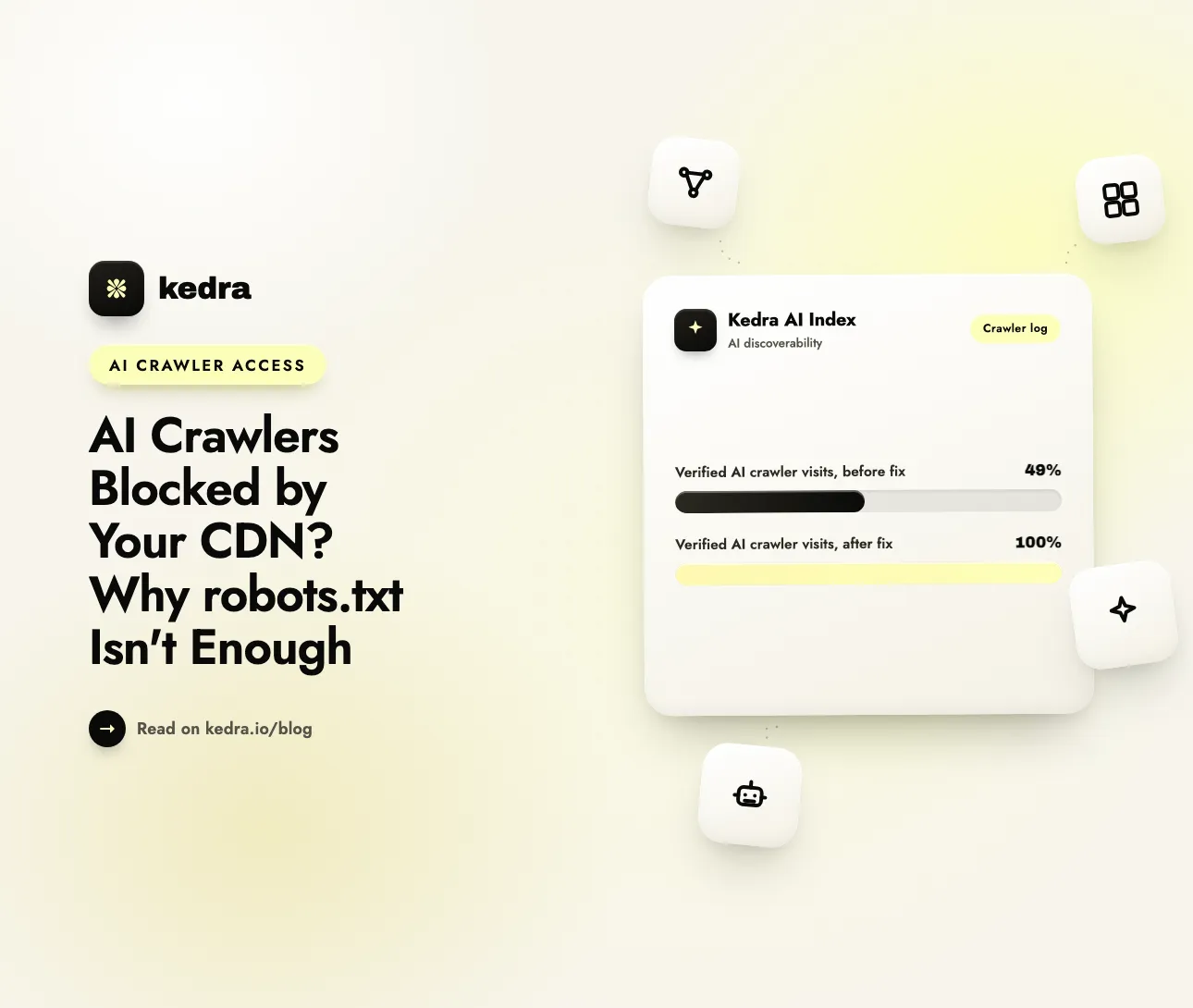
AI crawlers can be blocked by your CDN or firewall even when robots.txt allows them. robots.txt only asks a crawler to behave. The CDN, WAF or bot-protection layer in front of your store decides whether the crawler gets the page at all. If that layer returns 403, ChatGPT and Perplexity cannot read your store, however good your robots.txt looks.
The trap is common, and it is invisible from a browser. A test of the Tranco top 1,000 websites, run on October 11, 2026 and published by Crawl Readiness, found that 78 of 549 reachable sites (14.2%) refused at least one of GPTBot, OAI-SearchBot, ClaudeBot or PerplexityBot while their own robots.txt allowed it (Crawl Readiness via DEV Community, October 15, 2026). Every one of those sites looked fine to a human visitor. The crawlers saw a locked door.

On this page
- What does “blocked at the edge” mean?
- Can this happen to a Shopify store?
- Which response codes mean an AI crawler is blocked?
- Which AI crawlers must get through?
- How do I test whether my CDN blocks AI crawlers?
- How do I fix an edge block?
- How Kedra AI Index helps once crawlers can get in
- Frequently Asked Questions
What does “blocked at the edge” mean?
An edge block happens when the network layer in front of your store refuses a crawler’s request before your robots.txt rules ever matter. The “edge” is the CDN, web application firewall (WAF) or bot-management service that answers requests on behalf of your store.
Two separate systems decide whether an AI crawler can read a page:
- robots.txt is a request. It is a plain text file that tells well-behaved crawlers which paths they may fetch. Nothing enforces it. A crawler reads it and chooses to follow it.
- The edge is a gate. A CDN or WAF inspects every request (user agent, IP address, behavior, country) and can answer with a 403 Forbidden, a 429 rate limit or a JavaScript challenge instead of your page.
The two systems are configured by different people, in different dashboards, often years apart. A marketer updates robots.txt to welcome OAI-SearchBot. A developer or a hosting provider switches on a “block AI bots” setting at the CDN. Neither sees the other’s change, and robots.txt keeps saying “yes” while the gate says “no.”
Edge defaults have also moved fast. On July 1, 2025, Cloudflare became, in its own words, the first internet infrastructure provider to block AI crawlers by default when they access content without permission, and said more than one million customers had already switched on its one-click AI blocking (Cloudflare press release, July 1, 2025). Cloudflare CEO Matthew Prince framed the goal this way: “Our goal is to put the power back in the hands of creators, while still helping AI companies innovate.” That goal suits publishers who want payment for training data. It is a problem for a store that wants AI assistants to recommend its products.
Not sure which side of the gate your store is on? Check my store’s AI visibility for free. The free AI Visibility Checker requests your store as each AI search crawler and flags any bot that robots.txt allows but the edge refuses. No login is required.
Can this happen to a Shopify store?
Yes, but usually only when something sits in front of, or around, Shopify’s own hosting. A standard Shopify store serves AI crawlers normally, and Shopify’s default robots.txt does not block AI search bots.
We checked this on October 21, 2026: the homepages of three large Shopify stores (allbirds.com, gymshark.com and deathwishcoffee.com) returned HTTP 200 to a browser and to the OAI-SearchBot, PerplexityBot and Claude-SearchBot user agents alike. That is a small spot check, not a study, but it shows that plain Shopify hosting does not refuse AI search crawlers on its own. The edge trap appears when merchants add layers. These are the setups to look at:
| Setup | How the block happens | Where to look |
|---|---|---|
| Your own Cloudflare zone in front of Shopify | Cloudflare documents an “orange-to-orange” setup where your zone proxies traffic before Shopify does, so your zone’s bot and AI-crawler settings can refuse a request first. Shopify’s domain settings also show the warning “Your domain has a Cloudflare Proxy, which is not supported by Shopify”, and some merchants end up with a proxy through their registrar without knowing it. | Cloudflare dashboard: DNS (orange vs grey cloud), Security settings, Security Events |
| Headless storefront (Hydrogen or Next.js on Vercel, Netlify or Cloudflare) | The host’s firewall applies, not Shopify’s. Vercel, for example, offers a one-click AI Bots managed ruleset that denies known AI crawlers when set to block. | Hosting firewall rules and managed rulesets |
| Bot management and rate limits | Behavior-based bot protection serves JavaScript challenges or 429/503 responses. Crawlers do not solve challenges, so they get nothing. | Bot settings, rate-limiting rules |
| Country or data-center blocking | AI crawlers run from cloud data centers. A rule that blocks “data-center traffic” or a whole country can catch them. | Custom WAF rules, geo rules |
| Password page | A pre-launch or password-protected store shows crawlers the password page instead of products. | Shopify admin: Online Store > Preferences |
Shopify merchants hit the first two most often. Both share one root cause: a security setting chosen for good reasons, with AI search crawlers caught as collateral damage.
Which response codes mean an AI crawler is blocked?
Any status other than a 200 (or a normal redirect that ends in a 200) means the crawler did not get your page. Read the code your store returns to each crawler, not the code your browser sees.
| Status code | What it means for an AI crawler | Likely cause |
|---|---|---|
| 200 OK | The crawler received the page | Working as intended |
| 401 Unauthorized | The crawler must log in, so it gives up | Password page, basic auth on a staging domain |
| 403 Forbidden | The edge deliberately refused the crawler | WAF rule, “block AI bots” setting, bot management |
| 405 / 451 | The request method or the content was refused | Unusual WAF rules, legal or geo restrictions |
| 429 Too Many Requests | The crawler was rate-limited | Rate-limiting rule, aggressive bot protection |
| 503 Service Unavailable | Often a challenge page or a temporary block | JavaScript challenge, “under attack” mode, outage |
A 403 is the clearest sign of an edge block. A 429 can be temporary, which is why the Crawl Readiness test also reported its numbers without 429-only cases: 64 sites (11.7%) still refused an AI crawler that robots.txt allowed. A crawler that repeatedly meets 429 or 503 responses will still crawl your store less, so treat persistent codes as blocks.
Which AI crawlers must get through?
The crawlers that fetch pages for live AI answers must get through; crawlers that only collect training data are a business choice. Blocking a training crawler keeps your content out of future models. Blocking a search crawler removes your store from today’s AI answers.
| Crawler | Operator | Purpose | If the edge blocks it |
|---|---|---|---|
| OAI-SearchBot | OpenAI | ChatGPT search | Your pages stop appearing in ChatGPT search answers |
| ChatGPT-User | OpenAI | Fetches a page a user asks about | ChatGPT cannot open your page for a shopper |
| Claude-SearchBot | Anthropic | Claude search | Claude cannot cite your pages |
| PerplexityBot | Perplexity | Perplexity answers | Perplexity cannot cite your store |
| Googlebot / Bingbot | Google / Microsoft | Search, AI Overviews, Copilot | You lose classic search and AI answers together |
| GPTBot, ClaudeBot, Google-Extended, CCBot | Various | Model training | No effect on live answers; a deliberate choice |
OpenAI’s crawler documentation states the cost of blocking its search crawler plainly: “Sites that are opted out of OAI-SearchBot will not be shown in ChatGPT search answers, though can still appear as navigational links.” OpenAI recommends allowing OAI-SearchBot in robots.txt and allowing requests from its published IP ranges, which is an edge setting, not a robots.txt one.
Most blocking is blunt rather than selective. In the same top-1,000 test, 26.0% of reachable sites blocked at least one training crawler, but only 2.6% blocked training crawlers while keeping search and answer crawlers open. The categories are also getting harder to separate. Cloudflare announced on July 2, 2026 that, from September 15, 2026, new domains block Training and Agent crawlers by default on pages that show ads, and that crawlers doing both search and training, such as Googlebot and Bingbot, are judged under both policies (Help Net Security, July 2, 2026). Cloudflare’s own data shows why the line blurs: mixed-use crawlers now make up over 36% of crawler activity (Cloudflare, July 2026).
How do I test whether my CDN blocks AI crawlers?
Request your store as each AI crawler and compare the response code with what robots.txt allows. If robots.txt says “allowed” and the response is a 403, 429 or 503, you have found an edge block. The test takes about five minutes:
-
Read your live robots.txt at
yourstore.com/robots.txt. Note anyDisallowrules underUser-agent: OAI-SearchBot,PerplexityBot,Claude-SearchBotor*. -
Run the free AI Visibility Checker. It fetches your homepage once per AI search crawler (OAI-SearchBot, ChatGPT-User, Claude-SearchBot, PerplexityBot, Googlebot, Bingbot and Amazonbot), compares each result with your robots.txt, and reports issues such as “ChatGPT Search allowed in robots.txt but blocked at the edge (HTTP 403).”
-
Check training crawlers separately with the free GPTBot and AI crawler checker, which shows a per-bot table of what robots.txt allows for GPTBot, ClaudeBot, Google-Extended and the rest.
-
Reproduce a result by hand from a terminal if you want to see the raw code:
curl -s -o /dev/null -w "%{http_code}\n" \
  -A "Mozilla/5.0 AppleWebKit/537.36 (KHTML, like Gecko); compatible; OAI-SearchBot/1.3; +https://openai.com/searchbot" \
  https://yourstore.com/
Run it again with a normal browser user agent. A 200 for the browser and a 403 for the crawler confirms the trap.
-
Confirm in your firewall’s event log. In Cloudflare, open Security > Events and filter by the crawler’s user agent. On Vercel, check the Firewall logs. The log names the exact rule that fired, which tells you what to change.
One honest caveat: any test tool, including ours, sends its requests from its own servers, not from OpenAI’s or Perplexity’s IP ranges. A firewall that verifies bots by IP address can treat the test differently from the real crawler, in either direction. Treat a 403 as a strong lead, and let the event log give the final answer.
How do I fix an edge block?
Allow verified AI search crawlers at the edge, then re-test. The exact setting depends on what sits in front of your store:
- Cloudflare in front of a standard Shopify store. If you never meant to proxy Shopify, set the DNS records that point to Shopify to DNS only (grey cloud), which is what Shopify’s domain warning asks for. If you run a deliberate orange-to-orange setup, open your AI crawler policies in Security settings and allow the Search category, and check that Bot Fight Mode or a custom rule is not challenging verified bots.
- Vercel or another headless host. Set the AI Bots managed ruleset to Log instead of Deny, or add a bypass rule for the search crawlers you want, placed above your blocking rules.
- Custom WAF or geo rules. Exclude verified bots before any rule that blocks countries, data centers or ASNs. In Cloudflare custom rules, the
cf.client.botfield matches verified bots. - Rate limits. Raise limits for verified crawlers, or exempt them, so a burst of product-page fetches does not turn into a wall of 429s.
- Password page. Remove the password once the store is ready to sell, or expect AI crawlers to see nothing.
Allow crawlers by verified identity or published IP ranges, never by user agent alone. Anyone can send “OAI-SearchBot” as a user agent, and a scraper that copies it should not get a free pass. OpenAI publishes its search crawler’s IP ranges at openai.com/searchbot.json for exactly this purpose.
After the fix, run the checker again. OpenAI says it can take about 24 hours for its search systems to adjust after a robots.txt change, and recrawling takes time after an edge change too, so expect results over days, not minutes.
How Kedra AI Index helps once crawlers can get in
Kedra AI Index does not change your CDN or firewall, but it shows you whether AI crawlers actually arrive after the fix, and it makes sure they find store-specific content when they do. The edge fix happens in your CDN dashboard. Kedra AI Index covers what comes next:
- AI crawler visit log. See which AI crawlers visit your store (GPTBot, OAI-SearchBot, ChatGPT-User, ClaudeBot, PerplexityBot and more), verified against each operator’s published IP ranges, so a spoofed user agent does not count. After you fix an edge block, new verified visits are your proof that the gate is open. The log records crawlers that load page resources, so an empty log is not proof of a block; pair it with the free checker.
- AI Readiness Check. Flags robots.txt rules that block 17 AI user agents, so the robots.txt half of the problem is covered too. It tells you what to fix rather than editing your files.
- Store-specific AI files. Every Shopify store already serves a generic llms.txt and agents.md. Kedra AI Index replaces them with files built from your products, collections, policies and brand details, so crawlers that get through read about your store, not a template. Read more in our llms.txt guide for Shopify.
- AI fixes you approve. Alt text, thin product descriptions and SEO descriptions, drafted for you to approve or apply automatically.
To set it up: install the app, let it publish your AI files, then check the crawler log a few days after any CDN change. Kedra AI Index has a free plan, and paid plans start at $10/month with a free trial.
Fixed your edge rules and want proof that AI crawlers are coming back? Install Kedra AI Index and watch verified AI crawler visits arrive.
Frequently Asked Questions
Why does my robots.txt allow AI crawlers but they still get a 403?
robots.txt and your CDN are separate systems. robots.txt only asks crawlers to follow rules, while a CDN, WAF or bot-protection service decides whether each request gets a response. A “block AI bots” setting, a bot-management rule or a country block can return 403 to OAI-SearchBot or PerplexityBot even when robots.txt allows them.
Does Shopify block AI crawlers by default?
No. Shopify’s default robots.txt does not block AI search crawlers, and in our October 2026 spot check, standard Shopify stores returned HTTP 200 to OAI-SearchBot, PerplexityBot and Claude-SearchBot. Edge blocks on Shopify usually come from an added layer, such as your own Cloudflare proxy, a headless host’s firewall or a custom geo rule.
Does Cloudflare block ChatGPT from my store?
It can, depending on your settings. Cloudflare began blocking AI crawlers by default for new domains in July 2025, and now sets separate policies for search, agent and training crawlers. If your store sits behind your own Cloudflare zone, check that the Search category is allowed and that no custom rule challenges verified bots.
Should I block GPTBot but allow OAI-SearchBot?
That is a reasonable choice for many stores. GPTBot collects training data, so blocking it keeps content out of future OpenAI models without affecting ChatGPT search. OAI-SearchBot powers ChatGPT search answers, so it must stay allowed in robots.txt and at the edge. Apply the same split in your CDN, not only in robots.txt.
How long until ChatGPT sees my store after I fix the block?
OpenAI says its search systems take about 24 hours to adjust after a robots.txt change. After an edge fix, crawlers must revisit your pages, which can take days. Re-run the free AI Visibility Checker straight away to confirm the 403 is gone, then watch for verified OAI-SearchBot visits in a crawler log.
Open the gate, then prove it is open
A perfect robots.txt means nothing if the CDN, WAF or bot protection in front of your store refuses AI crawlers. The fix is simple once you can see the problem: test each AI search crawler, read the response codes, find the rule in your firewall log, and allow verified search crawlers through. Keep training crawlers blocked if you prefer; that choice no longer has to cost you AI search visibility. For the other signals that decide whether ChatGPT finds your store, see the 7 technical signals that tell ChatGPT your Shopify store exists.
Start with the five-minute test: scan my store’s AI crawler access for free. Then install Kedra AI Index from the Shopify App Store to see verified AI crawler visits and give those crawlers store-specific files to read.