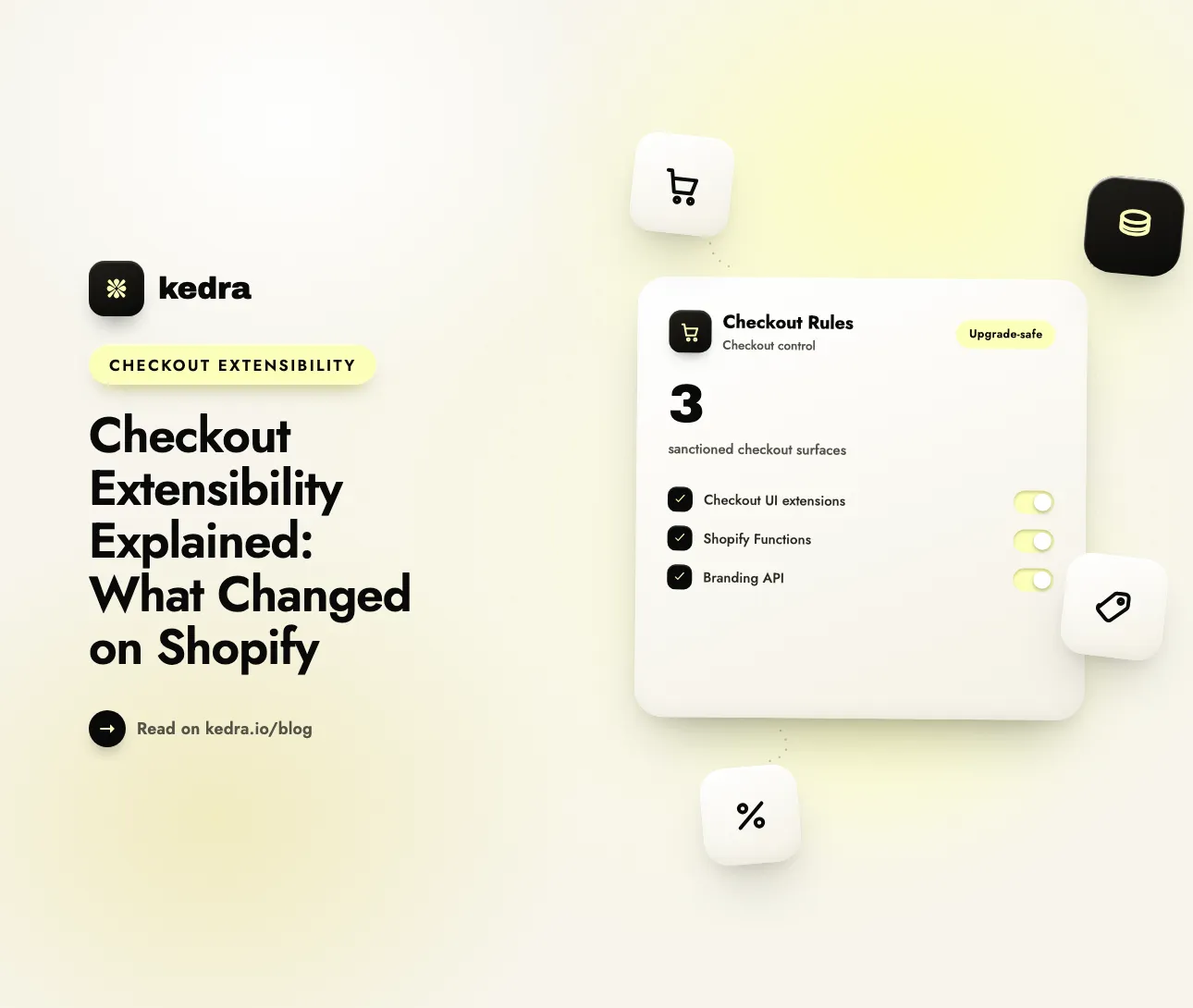
Checkout extensibility is Shopify’s modern, app-based framework for customizing checkout - the upgrade-safe replacement for the old checkout.liquid theme file and Shopify Scripts. Instead of editing checkout code, you now customize checkout through apps, checkout UI extensions, and Shopify Functions that keep working through every platform update. checkout.liquid stopped working for in-checkout pages on August 13, 2024.
That change was not cosmetic. Checkout is the single most revenue-critical page in your store, and the average documented cart abandonment rate across 50 studies is 70.22%, according to the Baymard Institute (updated September 22, 2025). Every store that ever customized its checkout - hiding a payment method, adding a field, restyling the page - had to move that logic to checkout extensibility or lose it. Knowing what actually changed is how you make sure your checkout still does what you built it to do.

On this page
- What is checkout extensibility?
- What changed: from checkout.liquid and Scripts to extensibility
- Why did Shopify replace checkout.liquid?
- What does checkout extensibility mean for your store?
- Old checkout vs checkout extensibility: side by side
- How to customize checkout now without code
- Frequently asked questions
What is checkout extensibility?
Checkout extensibility is Shopify’s supported system for customizing checkout through installable apps and extensions instead of editing theme code. Every customization runs in a sandboxed, versioned surface that Shopify maintains, so a checkout release never silently breaks your setup. Shopify describes these building blocks as “easy to install and upgrade-safe” (Shopify.dev).
It replaced a single editable file - checkout.liquid - with a set of purpose-built surfaces, each owning one slice of the checkout:
- Checkout UI extensions - custom visual components and fields. Shopify’s docs describe them as extensions that “add custom UI and logic into any step of the Shopify checkout experience,” built from web components in Shopify’s Polaris design system.
- Shopify Functions - server-side logic that changes checkout behavior. They “customize Shopify’s backend logic by running custom code during the checkout process” - hiding a payment method, blocking an invalid address, reordering shipping options.
- Web pixels - sandboxed JavaScript that collects customer events for analytics and marketing, consent-aware by design, replacing tracking code pasted into the old checkout.
- The Checkout Branding API - a GraphQL Admin API that controls colors, fonts, layout, and spacing through a design system rather than CSS edits.
The unifying idea: you no longer write code inside checkout. You install an app - or build one - and configure it. As Shopify’s developer documentation puts it, “To augment Shopify checkout with new functionality, build an app with extensions.” That is the whole shift in one sentence.
Want the deep technical view of the logic layer? Our guide to Shopify Checkout Functions explains exactly how the server-side engine behind checkout extensibility works.
What changed: from checkout.liquid and Scripts to extensibility
For years, the only way to deeply customize Shopify checkout was to edit checkout.liquid (a Shopify Plus-only theme file) or write Ruby in Shopify Scripts. Both let arbitrary code run inside the checkout, and both broke on platform updates. Shopify retired them on a fixed schedule.
Shopify announced the deprecation in a February 13, 2023 changelog post, stating plainly: “Checkout extensibility replaces checkout.liquid. As a result, checkout.liquid customizations will no longer work for in-checkout pages starting August 13, 2024” (Shopify Changelog). Stores that missed the deadline were automatically reverted to an un-customized, out-of-the-box checkout - customizations simply disappeared.
Here is the full timeline, and why this topic is urgent rather than academic:
| Change | Deadline |
|---|---|
| Checkout extensibility introduced (developer preview, Editions Summer ‘22) | June 22, 2022 |
checkout.liquid stops working for Information, Shipping & Payment pages | August 13, 2024 |
| Apps can no longer create new script tags on Thank you / Order status pages | February 1, 2025 |
checkout.liquid + additional scripts sunset on Thank you / Order status pages | August 28, 2025 |
| Script tags on Thank you / Order status pages sunset (non-Plus stores) | August 26, 2026 |
| Shopify Scripts become uneditable, then stop executing | April 15, 2026 → June 30, 2026 |
Sources: Shopify.dev checkout.liquid reference and the Shopify Scripts deprecation changelog. The practical takeaway: as of 2026, checkout.liquid is fully unsupported and Shopify Scripts have been switched off. If any part of your checkout still depends on them, it is already broken - checkout extensibility is what replaced it.
Still running legacy Ruby logic? Our walkthrough on migrating from Shopify Scripts to a checkout rules app maps each old script pattern to its modern equivalent.
Why did Shopify replace checkout.liquid?
Shopify’s own reasoning is specific. In its Winter 2024 Editions post, Shopify said checkout.liquid customizations “were difficult to test and maintain, incompatible with Shop Pay, and needed periodic, complicated upgrades to access new features,” and noted the old model ran JavaScript outside a browser sandbox, making it inherently insecure (Shopify).
Checkout extensibility fixes each of those problems by design:
- Upgrade-safe. Extensions are versioned and sandboxed, so a checkout update does not break your customization. Shopify positions checkout extensibility as “an easier way to customize Shopify Checkout in a way that’s app-based, upgrade-safe, higher-converting, and integrated with Shop Pay.”
- Secure. “The UI components and APIs that power checkout extensibility run in a sandboxed environment, giving brands additional security - unlike the old way of customizing Shopify Checkout,” Shopify writes on its Partners blog.
- Faster and higher-converting. Shopify claims checkout extensibility is “built on Shopify’s latest platform technology, with two times faster checkout interactions and page transitions that increase conversion by over 1% on average” (Shopify Enterprise).
- Shop Pay–native. Extensions render identically in guest checkout and Shop Pay, so customizations no longer break the highest-converting express checkout.
The market followed the platform. As Gil Greenberg, founder of the checkout app Checkout Blocks, put it in a Shopify Partners case study: “In 2024, many brands are looking for Checkout Extensibility solutions and if an app is not yet running on extensibility, it will more likely be skipped over” (Shopify Partners).
What does checkout extensibility mean for your store?
For most merchants, the headline is good news: checkout customization is now something you configure in an app, not something you hire a developer to code. But what you can do depends on your plan, and that dividing line is the single most misunderstood part of the change.
Here is what each surface unlocks by plan, based on Shopify’s own checkout customization documentation:
| Capability | Available on |
|---|---|
| Branding editor (logo, colors, fonts, layout, one-page vs three-page checkout) | All plans (Basic and up) |
| Hide, rename, and reorder payment and shipping methods via a compatible app | All plans (Basic and up) |
| Cart and checkout validation - block orders, set order limits | All plans (Basic and up) |
| Thank you / Order status app blocks and web pixels | All plans except Starter |
| Custom UI-extension blocks on the Information, Shipping & Payment steps | Shopify Plus |
| Advanced Checkout Branding API and custom-built Shopify Functions | Shopify Plus |
The key insight for non-Plus stores: you do not need Shopify Plus to run conditional payment, shipping, and validation rules. Shopify’s plan rule is about who authors the underlying Function, not who benefits from it. “Stores on any plan can use public apps that are distributed through the Shopify App Store and contain functions,” Shopify states; “only stores on a Shopify Plus plan can use custom apps that contain Shopify Function APIs” (Shopify.dev).
That is exactly why third-party checkout apps became the practical route for the vast majority of stores. A public app built on checkout extensibility gives a Basic-plan merchant the same server-side enforcement a Plus merchant gets from custom code - configured through a form instead of a deploy pipeline. We break down the economics in detail in Shopify Plus checkout customization vs third-party apps.
Old checkout vs checkout extensibility: side by side
If you customized checkout before 2024, here is what moved:
Legacy checkout (checkout.liquid + Scripts) | Checkout extensibility | |
|---|---|---|
| Where customization lives | Editable theme file and Ruby scripts | Installable apps, UI extensions, Functions |
| Who could use it | Shopify Plus only | Apps work on every plan; deep UI on Plus |
| Survives platform updates? | No - broke on checkout releases | Yes - versioned and upgrade-safe |
| Security model | JavaScript outside a sandbox | Sandboxed, server-side execution |
| Shop Pay compatible? | No | Yes, natively |
| How you change a rule | Edit and redeploy code | Toggle a setting in an app |
| Status in 2026 | Fully sunset | The only supported path |
The pattern is consistent: checkout extensibility trades open-ended code access for a set of safe, sanctioned levers you configure. For 95% of real merchant needs - controlling which payment methods show, enforcing order limits, renaming confusing shipping labels, validating risky orders - that trade is a straight upgrade.
How to customize checkout now without code
This is where a checkout customizer app earns its place. Kedra Checkout Rules is a no-code Shopify checkout customizer built on Shopify’s checkout extensibility - it ships the Functions and configuration layer so a rule change is a form field, not a code release. It works on every Shopify plan, including Basic.
Here is what checkout extensibility lets you configure through it, mapped to the pain each one solves:
- Hide payment methods by condition. Hide cash on delivery for international orders, or hide a specific gateway on high-value carts, without touching code.
- Rename and reorder shipping methods. Turn “Standard Shipping (5-7 business days)” into human language, and surface your best option first to cut decision fatigue.
- Reorder payment methods. Put your highest-converting method at the top of the list.
- Set order limits. Enforce minimum and maximum quantities or cart values to stop bulk-buying bots and protect limited inventory - see how to set order limits in Shopify for the full pattern.
- Validate risky orders. Block checkout when an address, email, or cart fails your conditions, using Shopify’s cart and checkout validation.
A concrete setup, end to end:
- Install the app and open Rules → Create rule.
- Choose the rule type - Hide, Rename, Reorder, or Validate - for payment or delivery.
- Build the condition with AND/OR logic, for example
cart total > 500ANDshipping country = USANDcustomer tag ≠ wholesale. - Pick the action - hide
Cash on Delivery, or return the error message the shopper sees. - Save. Shopify applies the change on the next checkout - no theme deploy, no CLI, no version bump.
Because these rules run server-side through checkout extensibility, a shopper cannot bypass them with developer tools or a slow connection. Install Kedra Checkout Rules free and build your first rule in the next ten minutes - it runs on Shopify Functions and has a free plan.
Kedra Checkout Rules: a Shopify checkout customizer
Under the hood, Kedra Checkout Rules runs on Shopify checkout extensibility - Shopify Functions and checkout UI extensions - the modern, upgrade-safe way to customize your checkout. Every rule you build is a checkout customization that survives theme updates. Use this checkout customizer to validate orders, enforce order limits, and hide, rename, or reorder payment methods without editing code.
For a deeper dive, see the best Shopify checkout rules apps for 2026.
Frequently asked questions
What is checkout extensibility in simple terms?
Checkout extensibility is Shopify’s app-based framework for customizing checkout without editing checkout code. Instead of the old checkout.liquid file, you install apps that use checkout UI extensions and Shopify Functions to change what shoppers see and how checkout behaves. Every customization is sandboxed and upgrade-safe, so platform updates never break it.
Is checkout.liquid still supported in 2026?
No. checkout.liquid stopped working for the Information, Shipping, and Payment pages on August 13, 2024, and was sunset for the Thank you and Order status pages on August 28, 2025. As of 2026 it is fully unsupported. Any store still relying on it has already been moved to an un-customized checkout and must rebuild on checkout extensibility.
Do I need Shopify Plus for checkout extensibility?
Not for most customizations. Any store on any plan can install a public App Store app built on Shopify Functions to hide, rename, reorder, and validate payment and shipping methods and set order limits. Shopify Plus is required only for custom-built Functions, custom UI-extension blocks on the in-checkout steps, and the advanced Branding API.
What happened to Shopify Scripts?
Shopify Scripts, the Plus-only Ruby system for discount, shipping, and payment logic, became uneditable on April 15, 2026 and stopped executing entirely on June 30, 2026. Their capabilities moved to Shopify Functions - available to every plan through public apps - so the checkout logic you built in Scripts now lives in checkout extensibility instead.
How do I customize checkout without touching code?
Install a checkout customizer app. Apps built on checkout extensibility expose Shopify Functions as simple settings, so you configure conditional rules - hide, rename, reorder, validate, or apply order limits - in a form. The app enforces them server-side at checkout, with no theme edits and no developer required.
Will checkout extensibility slow down my checkout?
No - the opposite. Shopify Functions compile to WebAssembly and run server-side within a strict time budget, in the low-millisecond range. Because extensibility replaces browser-side scripts, it removes JavaScript weight from the shopper’s device. Shopify says the framework delivers faster page transitions and over 1% higher conversion on average.
The bottom line
Checkout extensibility is the end of editing checkout code and the start of configuring it. Shopify replaced checkout.liquid and Scripts with sandboxed, upgrade-safe apps, UI extensions, and Functions - a change that finished rolling out through 2025 and 2026 and is now the only supported way to customize Shopify checkout.
For merchants, the takeaway is simple: you no longer need Plus or a developer to control payment methods, shipping options, order limits, and validation. A no-code checkout customizer built on checkout extensibility gives you that control today. Install Kedra Checkout Rules free and turn checkout extensibility into rules you can set in minutes.