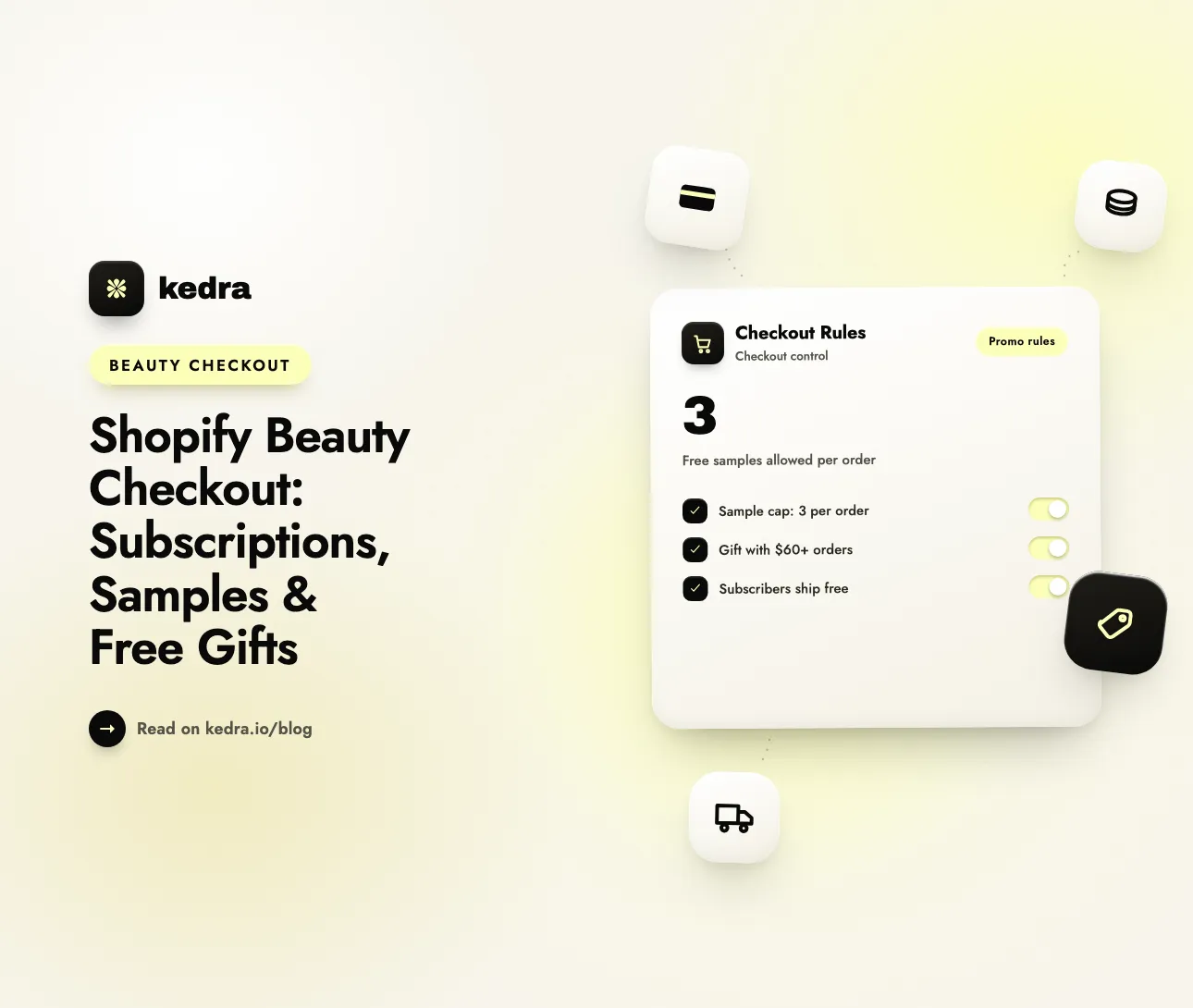
A Shopify beauty checkout needs two layers. Shopify discounts and your subscription app create the offers: subscribe-and-save, free samples, and gift-with-purchase. Checkout rules then guard them: if Product quantity of collection “Samples” is greater than 3, block checkout. Without the second layer, samples, gifts and codes stack until the order loses money.
Beauty brands lean on these three promotions more than almost any other category, and the stakes keep rising. McKinsey’s State of Beauty 2025 report (June 2025) expects the global beauty market to grow 5 percent a year through 2030, slower than the 7 percent of 2022 to 2024. Slower growth means every free mini and every stacked discount matters more to your margin.

Table of contents
- What makes a beauty checkout different?
- How do you set up gift-with-purchase on Shopify?
- Which promotions combine at Shopify checkout?
- Where does beauty promo logic go wrong?
- 7 beauty checkout rules you can copy
- How to set it up in Kedra Checkout Rules
- What checkout rules can’t do for a beauty brand
- Frequently Asked Questions
What makes a beauty checkout different?
A beauty checkout usually carries three promotions in the same cart: a subscription, a set of samples, and a gift-with-purchase. Each one is built by a different tool, and none of them knows about the others.
Gift-with-purchase (GWP) is a promotion where the customer gets a free product after meeting a condition, usually a minimum spend. Samples work in a similar way, but the customer often picks them. Subscriptions add a recurring discount on top.
Each promotion earns its place:
- Samples drive full-size sales. Samples are the third-largest driver to purchase for full-sized products, according to Euromonitor data cited by BeautyMatter (June 2025).
- Subscriptions lock in replenishment. Cleanser, serum and SPF run out on a schedule, so they suit subscribe-and-save.
- Gifts lift order value. A free mini at $60 gives the shopper a reason to add one more product.
The weak spot is retention. Recharge analysed renewal cycles from July 2025 to March 2026 and found that Beauty & Personal Care subscriptions lose 26.3% of subscribers at the first renewals, against 8.5% once a subscriber passes cycle six. As Allen Finn writes in Recharge’s churn analysis (July 2026): “The first reorder, not the first sale, is where the program is won or lost.”
So the first order has to be right. A subscriber who picks a payment method that can’t be rebilled, or a shipping method that can’t carry the product, is gone before the second box.
If you already know which rules you need, see what Kedra Checkout Rules can do at checkout.
How do you set up gift-with-purchase on Shopify?
You can build a basic gift-with-purchase offer with a native automatic discount, with no app. In the Shopify admin, go to Discounts → Create discount → Buy X get Y and choose Automatic discount.
- Under Customer buys, choose Minimum purchase amount and enter your threshold, for example $60.
- Pick the products or collections that count towards the threshold.
- Under Customer gets, choose the gift product and set the quantity to 1.
- Under At a discounted value, choose Free.
- Set Maximum number of uses per order to 1, so a $180 cart doesn’t earn three gifts.
- Choose which other discount classes this discount combines with, then save.
Two things catch merchants out:
- The gift has to be in the cart. A native Buy X get Y discount makes the gift free, but it doesn’t add the gift for the shopper. You need a theme change or a gift app to auto-add it.
- The gift is a real product with a real price. If the shopper removes the qualifying items, the gift stays in the cart at full price. If your gift is a $0 or $1 product instead, anyone can add it directly.
Samples are usually built the second way: a “Samples” collection of $0 products that shoppers add themselves. That is easy to launch and easy to abuse, which is where checkout rules come in.
Which promotions combine at Shopify checkout?
Shopify combines discounts by class: product, order and shipping. Whether your subscription saving, gift and promo code stack depends on the classes involved and on your plan. These limits come from Shopify’s discount combinations documentation:
| Combination | Allowed? |
|---|---|
| Product discount + free shipping discount | Yes, on all plans |
| Order discount + free shipping discount | Yes, on all plans |
| Product discounts on separate items | Yes, on all plans |
| Product discount + order discount | Eligible stores only |
| Another product discount on a Buy X get Y item | Shopify Plus only, and only on the “customer gets” item |
| Two shipping discounts on one order | No |
Shopify also sets hard caps. A store can have a maximum of 25 active automatic discounts, and that total includes app-based discounts. Customers can use a maximum of 5 product or order discount codes and 1 shipping discount code on the same order.
Subscriptions fit into this too. Shopify’s documentation confirms that discounts can apply to subscription purchases. When an order has both subscription and one-time products, they are separate line items, so each can get a different discount.
The table tells you what can combine. It doesn’t tell you what the combined order costs you. A subscriber with 15% off, a 20% welcome code and a free $18 mini can be fully “allowed” and still unprofitable. For the wider picture, read our guide to discount stacking during sale events.

Where does beauty promo logic go wrong?
Beauty promotions fail in predictable places, and almost all of them are visible in the cart before the customer pays. That is why checkout is the right place to catch them.
| Problem | What it looks like | What it costs |
|---|---|---|
| Sample hoarding | 12 free minis in one cart | Product, packing time, shipping weight |
| Sample-only orders | A cart with nothing but $0 items | You pay to ship an order with no revenue |
| Welcome kit reuse | Returning customers reordering the intro set | Acquisition budget spent on existing buyers |
| Deep stacking | Subscription saving + code + gift | Orders below cost |
| Wrong payment method | Subscription paid by cash on delivery | The renewal can’t be charged |
| Wrong shipping method | Perfume sent by air | Carrier rejection or a compliance problem |
None of these are fraud in the usual sense. They are honest shoppers using an offer exactly as the checkout allows. The fix is to change what the checkout allows.
7 beauty checkout rules you can copy
Each rule below uses the exact condition names from the Kedra Checkout Rules condition picker. Kedra Checkout Rules is a no-code Shopify checkout customizer built on Shopify’s checkout extensibility, so the rules run inside the checkout on every Shopify plan.
1. Cap free samples per order
Problem: your “Samples” collection is free, so some carts fill up with minis.
Rule (Checkout validation): Product quantity of collection "Samples" → Is greater than → 3 → Block with “You can choose up to 3 samples per order.”
Value: the offer stays generous and predictable. This is one of the simplest order limits a beauty store can set. Limit: it counts one collection, so keep every sample in it.
2. Stop sample-only orders
Problem: a cart with only $0 samples still needs a box, a label and a courier.
Rule (Checkout validation): Product tag → Equals to → "sample" → For all products → Block with “Samples ship with any full-size product. Please add one to continue.”
Value: samples do their job, which is to travel with a paid order. Limit: “For all products” means every item in the cart, so tag only real samples. A cart with one full-size product passes.
3. Keep the welcome kit for new customers
Problem: a discounted discovery set is meant to win first-time buyers. Returning customers reorder it instead of buying full sizes.
Rule (Checkout validation): Repeat customer AND Product tag → Equals to → "welcome-kit" → For at least one product → Block with “The discovery set is for first orders. Try the full sizes of your favourites.”
Value: the acquisition budget goes to acquisition. Limit: this relies on Shopify’s customer data. A shopper who checks out with a brand-new email looks like a new customer.
4. Put a ceiling on stacked discounts
Problem: subscription saving, promo code and gift all apply to one order.
Rule (Checkout validation): Order total discount percentage → Is greater than → 40 → Block with “These offers can’t be combined. Please remove one discount code.”
Value: one rule protects margin whatever combination a shopper finds. Limit: a free gift is itself a discount, so it raises the percentage. Test with a real gift cart before you pick the number.
5. Reward subscribers with free shipping
Problem: first-renewal churn is high, and shipping cost on a small repeat order is one of the reasons.
Rule (Discount shipping): Cart has subscription product → All shipping free, with the discount label “Subscriber free shipping”.
Value: subscribers see a named perk at checkout. It costs less than a deeper product discount. Limit: Shopify applies one shipping discount per order, so this won’t stack with a free-shipping code. See how to choose a free shipping threshold for one-time orders.
6. Hide payment methods that can’t renew
Problem: a subscription paid by cash on delivery or bank transfer can’t be charged again automatically.
Rule (Hide payment method): Cart has subscription product → Hide “Cash on Delivery (COD)”.
Value: the second box ships because the card on file can be billed. Limit: the method name must match your checkout exactly. Our guide to hiding one-time payment methods for subscription products lists which methods support recurring billing.
7. Keep fragrance and nail polish off air services
Problem: many beauty products are flammable. USPS shipping restrictions state: “Perfume containing alcohol may not be shipped internationally or mailed domestically using air transportation.” The same page notes that some nail polishes may only be sent by ground transportation.
Rule (Hide shipping method): Product tag → Equals to → "ground-only" → For at least one product → Hide “Express”.
Value: a shopper can’t pick a service the parcel isn’t allowed on. Limit: you still have to tag products correctly and follow your carrier’s rules. Our hazmat shipping rules guide covers the details.
How to set it up in Kedra Checkout Rules
Every rule above follows the same steps in Kedra Checkout Rules. Here is rule 1, the sample cap, from start to finish.
- Put every sample product in one collection, for example “Samples”.
- Install Kedra Checkout Rules and click Create rule.
- Select Checkout validation.
- Name the rule “Sample cap - 3 per order”. Customers never see this name.
- Under Validation trigger, choose On condition.
- Add the condition Product quantity of collection, pick the “Samples” collection, choose Is greater than and enter 3.
- Write the error message and set Error position to Top of the checkout page.
- Set the status to Test and save.
- Open your checkout, enter
[email protected]as the email, and add four samples. The rule should block you. Remove one and it should let you through. - Change the status to Active.
Test mode matters here. A validation rule blocks checkout completely, so a wrong condition could block real orders.
Which plan do you need? Kedra Checkout Rules has a free plan with 1 active rule per rule type and 1 condition per rule. That covers rules 1, 2, 5, 6 and 7 as single rules, with a standard error message on validation rules. Rules 1 and 2 are both validation rules, so running them together needs a paid plan. So does rule 3, which has two conditions, and any custom error message. Paid plans start at $6.99/month with a 7-day free trial. Starter Plus and Unlimited also include post-purchase upsell offers.
Install Kedra Checkout Rules and build my first beauty checkout rule
What checkout rules can’t do for a beauty brand
Checkout rules guard promotions. They don’t create them, and it helps to know where the line is.
- They don’t add a free gift to the cart. Kedra Checkout Rules does not create product discounts or auto-add items. Use a native Buy X get Y discount or a gift app for the offer itself.
- They don’t manage subscriptions. Billing, skips, swaps and cancellations belong to your subscription app.
- They don’t change the cart or product page. A rule acts at checkout. Say “up to 3 samples per order” on the sample page too, so the block is never a surprise.
- They don’t apply to draft orders. Orders you create in the Shopify admin skip the rules.
- Shipping discounts apply to the whole rate. You can’t make shipping free for the subscription item only and charge for the rest.
Used together, the split is simple: Shopify discounts and your subscription app decide what the customer gets, and checkout rules decide when it’s allowed.
Customize your Shopify checkout for beauty promotions
Kedra Checkout Rules is a Shopify checkout customizer built on Shopify’s checkout extensibility, the upgrade-safe framework that replaced checkout.liquid and Shopify Scripts. It gives you no-code checkout customization: set order limits on samples and gift sets, block offers that shouldn’t combine, and hide, rename, or reorder payment and shipping methods for subscription carts. You customize your checkout with conditional rules instead of developer time.
Learn more about order limits on Shopify and how they prevent bulk buying.
Frequently Asked Questions
Can Shopify add a free gift to the cart automatically?
Not with a native discount alone. An automatic Buy X get Y discount makes the gift free once the cart qualifies, but the gift product must already be in the cart. To add it without any action from the shopper, you need a theme customization or a gift-with-purchase app.
How do I limit free samples per order on Shopify?
Put all samples in one collection, then create a checkout validation rule: Product quantity of collection “Samples” is greater than 3, block checkout. The shopper sees a message asking them to remove extra samples. Shopify has no built-in per-collection quantity limit, so this needs a checkout rules app.
Can a subscription discount combine with a gift-with-purchase on Shopify?
Often, yes. Shopify treats subscription and one-time products as separate line items, so each can receive a different discount. Whether a specific pair combines depends on the discount classes and the combination settings you chose. On plans other than Shopify Plus, Buy X get Y products can’t receive further product discounts.
How do I stop customers ordering only free samples?
Tag every sample product “sample”, then add a checkout validation rule: Product tag equals “sample” for all products, block checkout. The rule triggers only when every item in the cart is a sample. A cart that includes at least one full-size product checks out normally.
Can I ship perfume with express shipping?
It depends on the carrier and the service. USPS says perfume containing alcohol may not be shipped internationally or mailed domestically by air, but it may be shipped within the United States by ground. Tag those products and hide air-based shipping methods at checkout so shoppers can’t choose them.
Do I need Shopify Plus for beauty checkout rules?
No. Validation, payment, shipping and shipping discount rules run on Shopify Functions, which work on every Shopify plan. Kedra Checkout Rules has a free plan with one active rule per rule type, and paid plans start at $6.99/month. Shopify Plus is only needed for custom visual elements in checkout.
Next step: guard the offers you already run
A beauty checkout works when the offer and the guardrail are set up together. Build the subscription, samples and gift-with-purchase with Shopify discounts and your subscription app. Then add the rules that keep them profitable: a sample cap, a block on sample-only orders, a discount ceiling, and the right payment and shipping methods for each cart.
Start with the rule that fixes your most expensive problem. For most beauty stores that is the sample cap, and it takes about five minutes.
Install Kedra Checkout Rules and protect my beauty promotions