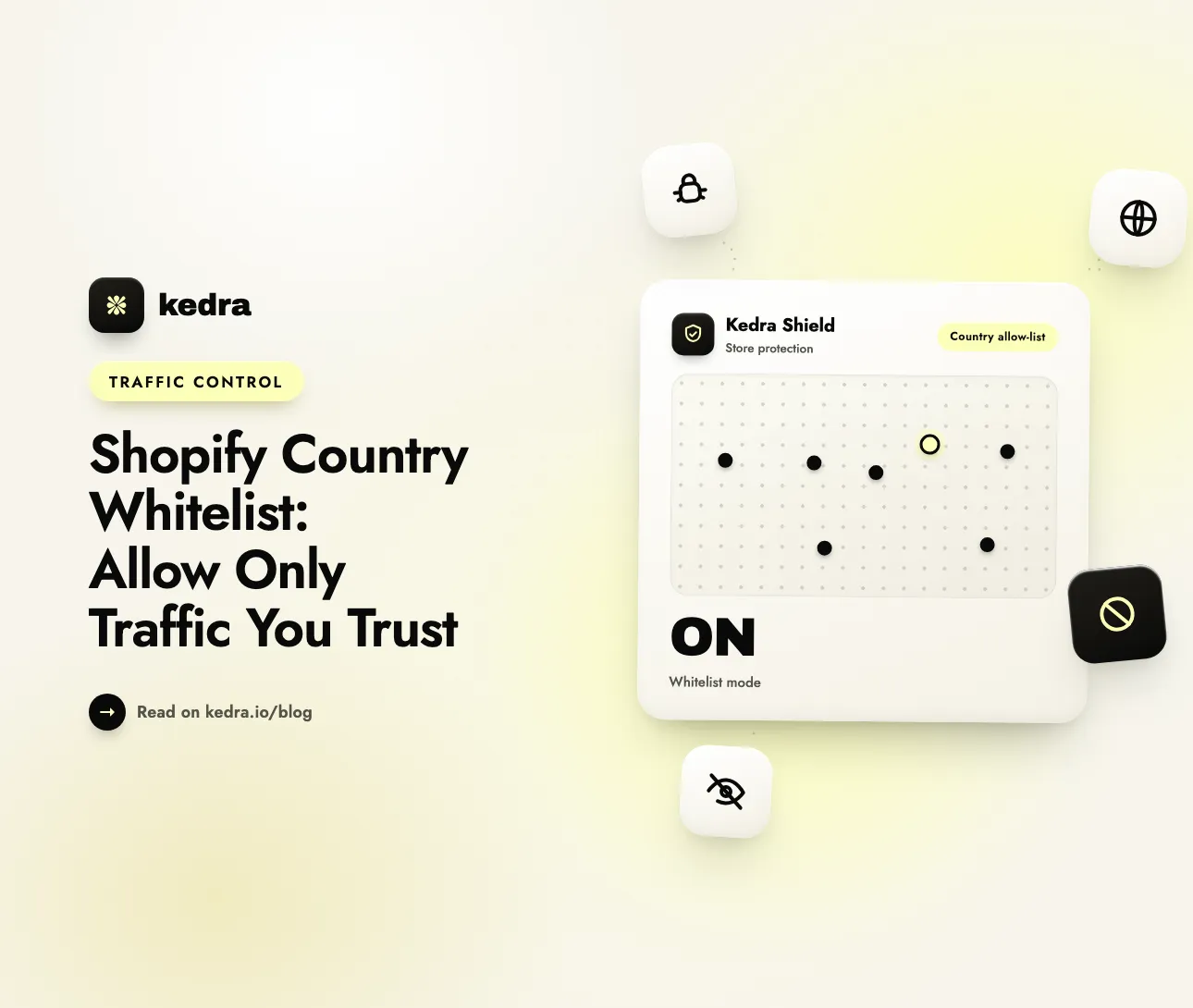
A Shopify country whitelist flips the usual security model: instead of letting everyone in and blocking bad actors one at a time, you allow only the countries you trust and block everything else by default. For a store that sells to a defined set of markets, it is the fastest way to cut fraud, scrapers, and junk bot traffic.
Most merchants run the opposite way around. They accept traffic from the entire planet, then play whack-a-mole with each new fraud ring, scraper, or card-testing bot as it appears. That is a losing game, and the numbers show why. According to the 2025 Imperva Bad Bot Report, automated traffic surpassed human activity for the first time in a decade, reaching 51% of all web traffic in 2024, with malicious “bad bots” alone accounting for 37%. In retail specifically, Imperva found that 33% of web traffic to retail sites was driven by bad bots in 2024, up from 26% the year before. A whitelist is how you stop screening that flood order by order and start screening it at the front door.

On this page: What a country whitelist is · Why default-deny wins · When it makes sense · How to set it up · Don’t block crawlers · Why country codes aren’t enough · Setup with Kedra Shield · FAQ
What is a country whitelist on Shopify?
A country whitelist (also called an allowlist) is a security rule that permits store access only from an approved list of countries or regions and blocks all other origins by default. It inverts the common “block the bad” model into “allow the good,” so the safe state is the default and every unlisted country has to be deliberately added before it can reach your store.
That distinction matters because it changes what happens when something unexpected arrives. With a blocklist, a brand-new fraud source gets through until you notice it and add a rule. With a whitelist, an origin you never approved is stopped automatically the first time it shows up. You are no longer reacting to threats one at a time; you have defined a small, trusted surface and closed everything outside it.
This is the same principle security professionals apply to software and network access. If your business only ships to and serves a handful of markets, there is rarely a good reason to keep your storefront open to the other 190-plus countries where you have no customers, no fulfillment, and no support.
Whitelist vs. blocklist: why “allow only what you trust” is the stronger model
Default-deny is not a marketing preference; it is the security posture recommended by the field’s standards bodies. The U.S. National Institute of Standards and Technology (NIST) draws the line plainly in its Guide to Application Whitelisting: “Unlike security technologies such as antivirus software, which block known bad activity and permit all other, application whitelisting technologies are designed to permit known good activity and block all other.” In its security controls, NIST goes further: “Whitelisting is the stronger of the two policies for restricting software program execution.”
The same logic holds for web traffic. The OWASP Input Validation Cheat Sheet states that an “allowlist remains the more robust and secure approach,” and warns that trying to enumerate every bad pattern “is a massively flawed approach as it is trivial for an attacker to bypass such filters.” A blocklist can only stop threats you have already seen and named. A whitelist stops everything you have not explicitly trusted—including the attack that launches tomorrow.
| Blocklist (default-allow) | Whitelist (default-deny) | |
|---|---|---|
| Default state | Everyone allowed | Only trusted regions allowed |
| New/unknown origin | Gets in until you block it | Blocked automatically |
| Maintenance | Endless: add a rule per new threat | Bounded: maintain a short allow-list |
| Best for | Broad, global consumer stores | Stores with defined target markets |
| Failure mode | Miss one bad actor, it’s in | Miss one good region, add it once |
The trade-off is real and worth stating: a whitelist can accidentally exclude a legitimate market you forgot to add. But that failure is easy to spot and fixed once, whereas a blocklist’s failures are silent—the fraud you never noticed is the fraud that already cost you. For a fuller comparison of the two approaches as market strategies, see our guide to building a country blocking strategy around the markets that matter.
When does a Shopify country whitelist make sense?
A country whitelist is the right tool when your real customers cluster in a small, predictable set of places and your fraud or bot exposure comes disproportionately from outside it. The clearest signals that you should whitelist rather than blocklist:
- You sell to a defined region. A U.S.-and-Canada brand, a UK-only retailer, or an EU-focused store has no reason to accept checkout traffic from markets it will never ship to.
- You run B2B or wholesale. Your buyers are known businesses in known locations, so a tight allow-list adds protection with almost no downside.
- You carry high-fraud or high-value products. Electronics, luxury goods, and gift cards attract disproportionate attacks, and geography is your first filter.
- You keep getting fraud and chargebacks from places you don’t sell to. Chargeback exposure is deeply geographic. Clearly Payments’ cross-country data puts Brazil’s chargeback rate at 3.48% and Mexico’s at 2.81%—roughly seven and six times the U.S. rate of 0.47%.
The fraud math keeps getting worse for stores that stay wide open. Juniper Research forecast in October 2024 that global eCommerce fraud losses will climb from $44.3 billion in 2024 to $107 billion in 2029—a 141% increase. As report author Thomas Wilson put it, “eCommerce merchants must seek to integrate fraud prevention systems that offer AI capabilities to quickly identify emerging tactics.” Geography is the simplest of those filters to apply first, because a large share of attack traffic originates outside the markets that generate your real orders.
If your business is built entirely around a closed or invitation-based audience, you can take this further into a full whitelist-only store for exclusive or high-security markets. Want to see how a country allow-list looks in practice before you commit? Explore the access-control features in Kedra Shield to map your markets first.
How to set up a country whitelist on Shopify
Here is the part that surprises most merchants: Shopify has no native, built-in way to whitelist visitor traffic by country or IP. Understanding exactly what the platform does and doesn’t do saves you from configuring the wrong tool.
What Shopify Markets does—and doesn’t. Markets controls where you sell, not who can reach your store. Per the Shopify Help Center, “customers from countries that aren’t included in any active market can browse your store, but can’t complete a purchase.” They still load your pages, still consume resources, and still see your content—they simply hit a wall at checkout. Creating markets is free on every plan, but it is not an access block.
What shipping zones do. The most common native workaround is to create shipping rates only for countries you serve. As Shopify explains, “customers who enter a shipping address in a region that isn’t included in your shipping zones receive a notice that no shipping rate is available for their region.” This blocks the checkout, not the visit—and only for physical products that need a shipping address. Scrapers, card-testing bots, and content thieves never reach the shipping step, so this does nothing to stop them.
Why you need an app. For true traffic-level whitelisting, Shopify’s own staff point merchants to the App Store. In an official Shopify Community response, staff note that to “more fully control access to even view your site, you can look at using a geolocation type app from our app store.” A dedicated store-security app enforces the rule at the storefront entry point, before a blocked visitor loads a single product page.
The setup sequence is short:
- List your trusted markets. Pull 12 months of orders from Shopify Admin (Analytics → Reports → Sales by country/region) and write down every country that actually generates revenue.
- Install a country-whitelist app that supports allow-list (whitelist) mode, not just blocklists. Compare options in our roundup of the best Shopify country blocker apps for 2026.
- Switch on whitelist mode and add only your trusted countries. Everything else is blocked by default.
- Whitelist your search and AI crawlers (covered next) so you don’t disappear from Google.
- Layer network detection so location spoofing can’t sneak past your country rule.
- Watch the blocked-traffic log for a week and add back any legitimate region you missed.
If you are not on Shopify Plus, this works on any plan—see our step-by-step guide to blocking a country on Shopify without Shopify Plus.
The #1 whitelist mistake: locking out Google and AI crawlers
The single most expensive whitelist error is blocking the bots you want. Search and AI crawlers do not visit from your customers’ countries—they visit from the data centers of Google, Microsoft, OpenAI, and others. A naive country allow-list that only permits, say, the United States can accidentally starve Googlebot, wreck your rankings, and make your store invisible to AI shopping assistants.
Any whitelist you deploy must explicitly permit the crawlers that send you traffic. The real user-agent tokens to keep allowed, straight from each vendor’s documentation, include:
- Search:
Googlebot(Google),bingbot(Microsoft Bing), andApplebot(Apple). - AI answer engines:
GPTBot,OAI-SearchBot, andChatGPT-Userfrom OpenAI;ClaudeBot,Claude-SearchBot, andClaude-Userfrom Anthropic; andPerplexityBotplusPerplexity-Userfrom Perplexity.
This matters more every quarter. Cloudflare’s 2025 Radar Year in Review found that AI “user action” crawler traffic—bots fetching a page to answer a live shopper question—grew more than 21 times over from January to early December 2025. Those crawlers are increasingly how customers discover products, so blocking them is the same as closing a growing sales channel.
The safest whitelist separates human visitor rules from bot access rules: block unapproved countries for people, while keeping named search and AI crawlers allowed regardless of origin. Not sure whether your current setup is quietly hiding you from ChatGPT and Google? Run a free, no-login scan with the Kedra AI Visibility Checker to confirm your store is still readable by the crawlers that matter.
Why country codes alone aren’t enough (and how to fix it)
A country whitelist built only on the country an order claims to come from has one blind spot: sophisticated attackers fake their location. They route traffic through VPNs, residential proxies, and Tor so a request from a high-risk region arrives wearing a trusted-country costume—walking straight through your allow-list.
This is not a fringe risk. In a March 2026 public service announcement, the FBI’s Internet Crime Complaint Center warned that with residential proxies, “when selecting an IP address, users can choose which country they would like the IP address from, down to the city and state,” letting criminals “login to accounts using stolen credentials without triggering geolocation-based alerts.” Security vendor Fingerprint puts it even more bluntly: “If you still trust basic IP geolocation checks alone, you may as well be rolling out the red carpet for fraudsters,” it wrote in July 2025.
The scale is measurable. Threat-intelligence firm GreyNoise reported in April 2026 that 39% of unique IPs attacking the network edge come from home internet connections—nearly double their 22% share of sessions—concluding that the data “challenges a core assumption of network defense: that you can tell attackers from legitimate users by where the traffic comes from.”
That is why a country whitelist should never be your only layer. Pair it with:
- VPN and proxy detection to expose origin laundering. Our VPN and proxy blocking guide for Shopify covers the trade-offs.
- Tor exit-node blocking, since a request scrubbed through Tor is a legitimate red flag for most stores.
- Data-center and high-abuse network blocking, because no genuine shopper browses from AWS or DigitalOcean—but card-testing bots do.
Country codes are where the strategy starts. Network intelligence is what keeps it from being bypassed in five minutes.
How to build a country whitelist with Kedra Shield
Kedra Shield is a Shopify store-security app built for exactly this layered, allow-first defense—no code and no Shopify Plus required. Here is how the model above becomes real settings.
- Turn on whitelist mode for countries. Kedra Shield’s country blocker works in either direction: add only your trusted markets, and everything outside them is blocked at the storefront entry point. A blocked visitor never loads a product page, never tests a card, and never pollutes your analytics.
- Add city-level precision where you need it. When your customers cluster in specific regions—or fraud concentrates in specific metros inside an otherwise trusted country—the city blocker tightens the allow-list without excluding a whole nation.
- Enable VPN, proxy, and Tor detection so your country rule can’t be defeated by location spoofing. Kedra Shield maintains continuously updated network lists, so you are not pasting IP ranges by hand.
- Block data-center and bot traffic to shut down automated card testing and scraping running on cloud infrastructure, using built-in bot detection.
- Keep search and AI crawlers allowed. Kedra Shield separates human-visitor country rules from bot access, so you block fraud traffic without hiding your store from Googlebot, GPTBot, or PerplexityBot.
- Manage individual IPs and ranges. Block specific bad actors, or allow-list known-good partner and office IPs that should always have access.
- Watch the blocked-visitor dashboard. See what was blocked and why—by country and network type—so you can confirm the whitelist works and add back any legitimate region on day one instead of month three.
Because enforcement runs lightweight at the edge, the junk traffic that would have slowed your store simply never arrives, which protects your page speed and Core Web Vitals as a side benefit. You can pair it with content protection—right-click and drag-and-drop blocking, plus inactive-tab blur—to keep approved visitors from easily copying your images and copy.
Get Kedra Shield on the Shopify App Store and switch your store from “everyone’s welcome” to “only the traffic I trust.”
Frequently Asked Questions
What is a country whitelist on Shopify?
A country whitelist is a security rule that allows store access only from an approved list of countries and blocks every other origin by default. It inverts the usual “block the bad” model into “allow the good,” so unlisted regions are stopped automatically instead of being blocked one at a time after they cause a problem.
Can I whitelist countries on Shopify without an app?
Not for traffic. Shopify Markets controls where you sell, not who can view your store—customers in inactive markets can still browse. Shipping zones only block checkout for physical goods. To block visitors by country before they load a page, Shopify’s own staff recommend a geolocation security app such as Kedra Shield, which works on any plan.
Will a country whitelist hurt my SEO or AI visibility?
It will if you block the wrong bots. Search and AI crawlers like Googlebot, GPTBot, and PerplexityBot visit from data centers, not your customers’ countries, so a naive allow-list can hide your store from them. A good setup keeps named crawlers allowed regardless of origin; confirm yours with a free AI visibility scan.
Can fraudsters bypass a country whitelist with a VPN?
Yes. Fraudsters use VPNs, residential proxies, and Tor to disguise a high-risk origin as a trusted country, and the FBI has warned that residential proxies let users pick the exact country an IP appears to come from. That is why an effective whitelist layers VPN, proxy, Tor, and data-center detection on top of country rules.
Is a whitelist better than a blocklist for a Shopify store?
For stores that sell to a defined set of markets, yes. NIST and OWASP both rate default-deny (allowlisting) as the stronger security model because it stops threats you haven’t seen yet. A blocklist only stops known bad actors and needs constant updating. A blocklist fits broad, global consumer stores better; a whitelist fits focused ones.
The bottom line: allow the traffic that pays you
A Shopify country whitelist is not about walling off the world—it is about matching your open doors to your actual business. If your customers live in five countries, keeping your store open to two hundred just hands the other 195 to fraudsters, scrapers, and bots that cost you money and contribute nothing.
The model is simple and the standards bodies agree it is stronger: allow only what you trust, block everything else by default, keep your search and AI crawlers explicitly welcome, and back the country rule with network detection so it can’t be spoofed. Do that, and the bad traffic that made up the majority of the web last year simply never reaches your store.
Install Kedra Shield to build your country whitelist in minutes—allow-first protection with VPN, proxy, and bot blocking, on any Shopify plan. Decide who gets in before they cost you a sale.