A Shopify store looks secure when its first screen is clean, familiar and free of glitches, its product photos and copy look original, and its payment area looks solid. Eye-tracking research shows shoppers form a gut verdict in under 50 milliseconds, mostly ignore trust badges, and only look for specific security cues once they reach the card form.
That gut verdict has a price. In Baymard Institute’s checkout abandonment research (page updated September 2025), 19% of US shoppers who abandoned an order did so because they “didn’t trust the site with my credit card information” - based on a 2025 survey of 1,026 US adults. Most of those shoppers never saw a real security problem. They saw a store that did not look safe enough, and left.
Perceived security is a shopper’s judgment of how safe a store is, formed from visual cues before any real security check happens. It is separate from actual security: a fully encrypted Shopify checkout can still feel unsafe, and a phishing site can feel perfectly safe. This guide walks through what the eye-tracking and credibility studies say shoppers actually look at, in order, and what you can change on your Shopify store this week.
Table of contents
- How fast do shoppers decide whether a store looks safe?
- Where do shoppers actually look on a store page?
- Do shoppers even see trust badges?
- Which security signals do shoppers misread?
- The 3-second security assessment, step by step
- How to make your Shopify store look as secure as it is
- How Kedra Shield protects the signals shoppers judge
- Frequently Asked Questions
How fast do shoppers decide whether a store looks safe?
Shoppers form a first impression of a website in roughly 17 to 50 milliseconds - long before they can read a single word about security. That first impression is visual, and it colors every judgment that follows.
The 50-millisecond figure comes from Gitte Lindgaard and colleagues at Carleton University, published in Behaviour & Information Technology in 2006 as “Attention web designers: You have 50 milliseconds to make a good first impression!”. Volunteers rated web pages flashed for just 50 ms, and those snap ratings closely matched the ratings people gave after looking for longer. Lindgaard’s warning to online sellers was blunt: “Unless the first impression is favourable, visitors will be out of your site before they even know.”
A 2012 study by researchers from the University of Basel and Google (Tuch, Presslaber, Stöcklin, Opwis and Bargas-Avila, International Journal of Human-Computer Studies) pushed the window even lower. As Google’s research blog summarized it, users judged a site’s appeal within 17 to 50 milliseconds, and two factors drove the verdict:
- Low visual complexity - fewer competing elements, clear hierarchy.
- High prototypicality - the page looks like what people expect a site of that type to look like.
For a Shopify store, “prototypical” means a layout that looks like a real shop: logo top-left, navigation and cart icon in the header, a clear hero, products with prices. Exotic layouts and cluttered home pages lose that first round before security even comes up. We cover the broader first-impression picture in how shoppers build security confidence in the first 3 seconds; this guide zooms in on where their eyes actually go.
Want a quick read on your own store? Run the free Shopify Security Audit - a 3-minute check of how safe your store really is - and compare it with how safe it looks.
Where do shoppers actually look on a store page?
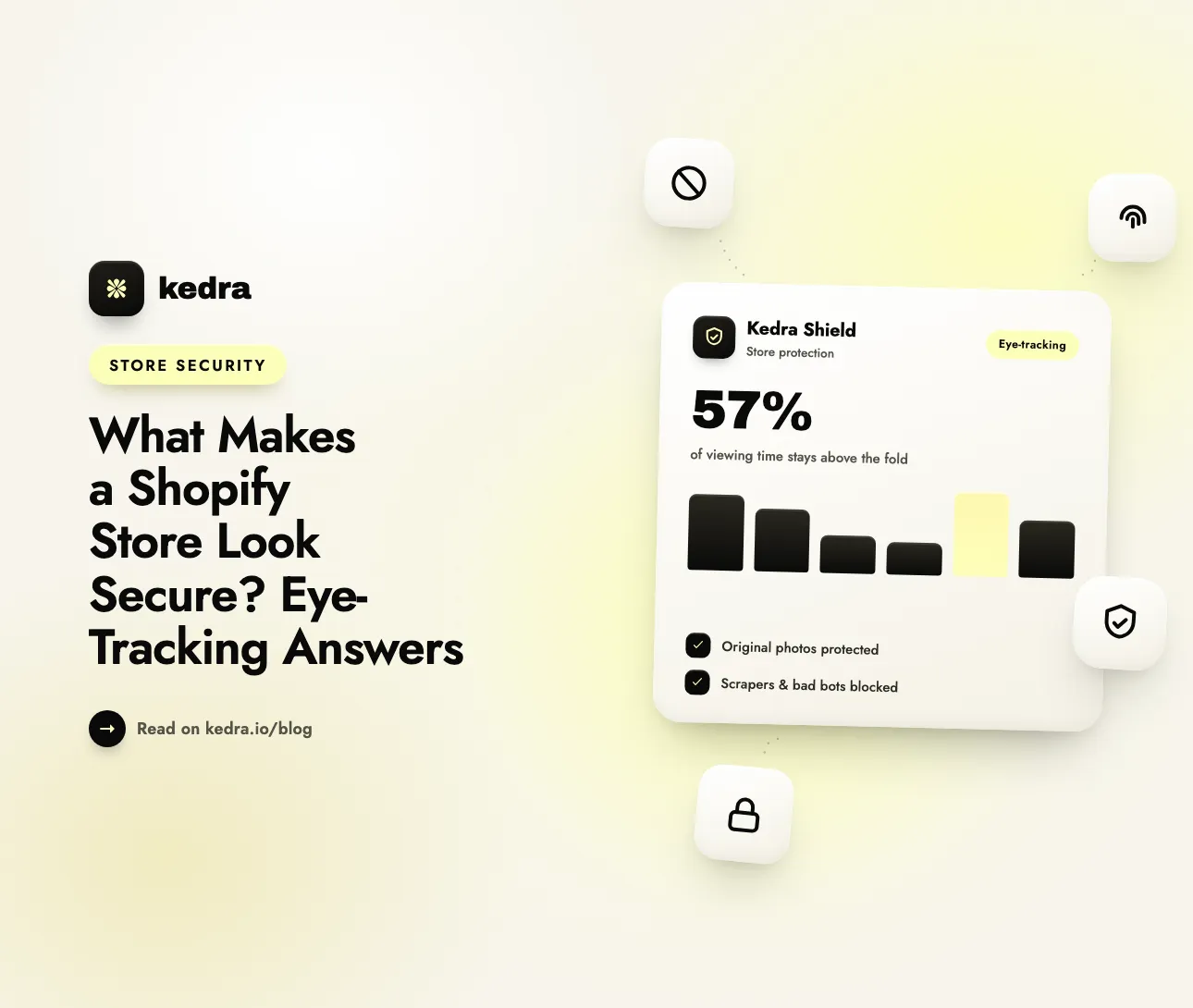
Most attention lands on the first screen: in Nielsen Norman Group’s eye-tracking research, 57% of viewing time was spent above the fold and 74% within the first two screenfuls. Anything you rely on to signal trust below that zone is seen by far fewer people.
Those numbers come from NN/g’s 2018 article “Scrolling and Attention” by Therese Fessenden, based on 120 participants and more than 130,000 eye fixations on 1920×1080 screens. The share above the fold had dropped from 80% in NN/g’s 2010 study, because people scroll more today - but, in NN/g’s words, “the pattern of a sharp decrease in attention following the fold remains the same in 2018 as in 2010.”
NN/g’s eye-tracking work on the F-shaped reading pattern adds a second lesson: on text-heavy pages, people scan the top lines and the left edge, then skim. Security reassurance hidden in a dense footer paragraph or deep in a product description is rarely read.
What this means in practice:
- Your header and hero carry most of the trust load. Logo quality, a clean navigation bar and a sharp hero image are seen by nearly everyone.
- Product images are looked at before product copy. Blurry, watermarked or obviously reused photos register within the first screen.
- Footer badges get a fraction of the attention. A row of security logos at the bottom of the home page is seen by the minority of visitors who scroll that far.
- The payment step gets fresh, focused attention. Shoppers who reach the card form slow down and look for reassurance again (more on that below).
Do shoppers even see trust badges?
Often, no. Across several eye-tracking studies, trust seals drew little visual attention, many shoppers did not notice them at all, and the ones who did frequently misunderstood what the seal meant.
| Study | Method | What it found about security signals |
|---|---|---|
| Kirlappos, Sasse & Harvey, UCL (2012) | 60 experienced online shoppers, eye-tracking + interviews | 38% of participants failed to notice any of the trust seals present; those who noticed them often held significant misconceptions about what seals mean |
| Auinger, Wetzlinger & Schwarz, Upper Austria (2016) | Online experiment + eye-tracking on a fictional web shop | Only trust seals significantly influenced e-trust, but participants paid little attention to trust elements, which explained their weak effect |
| CXL Institute checkout study | Eye-tracking + recall on a credit card form with different badges | PayPal’s badge drew more fixations than any other; Google, Norton and PayPal were most often recalled as adding security; McAfee performed worst |
| Baymard Institute seal studies (2013-2023) | Seven seal-trust surveys | Norton’s seal inspired the most trust; a made-up “homemade” seal beat the SSL seals of established vendors (except Norton) |
Two patterns come out of these studies. First, brand recognition beats technical meaning: shoppers respond to names they already know (PayPal, Norton, Google) rather than to what a seal certifies. Second, a badge is a weak signal if nothing around it backs it up. Baymard’s finding that a homemade seal outperformed real SSL vendors shows that shoppers judge the look of reassurance, not its substance - which is also why fake badges are a risky shortcut. Our deep dive on whether Shopify trust badges boost conversions covers which badges are worth adding and where.

Which security signals do shoppers misread?
Shoppers read polish as safety and glitches as danger, and they over-trust the browser padlock. None of those readings measure real security, but all of them shape whether a shopper pays.
The padlock does not mean what shoppers think
Google’s own research found the padlock icon widely misunderstood. In its May 2023 post “An Update on the Lock Icon”, the Chrome team wrote that “only 11% of study participants correctly understood the precise meaning of the lock icon” in its 2021 research, and that the misunderstanding “is not harmless” because nearly all phishing sites also use HTTPS. Chrome replaced the lock with a neutral “tune” icon starting in Chrome 117 (September 2023). Shopify gives every store a free SSL certificate, so HTTPS is the baseline - it no longer sets your store apart, but a “Not secure” warning (for example, from a misconfigured custom domain) would still be a disaster.
Design quality is read as credibility
The Stanford Persuasive Technology Lab’s 2002 study How Do People Evaluate a Web Site’s Credibility?, with 2,684 participants, found that a site’s “design look” was the most-mentioned credibility factor, appearing in 46.1% of comments. Lead researcher B.J. Fogg summed it up: “To look good is to be good.”
Glitches look like hacking
Baymard’s research on how users perceive security during checkout found that shoppers judge parts of the same HTTPS page as more or less secure, even though every field is encrypted equally. Unrelated layout bugs made some test participants suspect phishing or a hacked site - one said a broken mobile page made them “think of some phishing or whatever” - and some abandoned the purchase. A misaligned button, a broken image or a script error is not a security issue, but shoppers read it as one.
The 3-second security assessment, step by step
The “3-second security assessment” is the sequence of quick visual checks a shopper runs before trusting a store with payment details. Pulling the research together, the checks happen roughly in this order:
- Gut aesthetic (under 50 ms). Is the page clean and familiar-looking, or cluttered and odd? (Lindgaard 2006; Tuch et al. 2012)
- Brand consistency (first second). Does the logo, header and color scheme look deliberate and consistent with the ad or link that brought the shopper here?
- Above-the-fold content (first screen). Are the hero and product images sharp and original, with clear prices? Reused or stolen-looking imagery makes a store look like a copycat.
- Red flags. Unexpected pop-ups, redirects, broken images or layout glitches - each one reads as “something is wrong here.” (Baymard)
- Familiar names. Recognized payment brands - Shop Pay, PayPal, Apple Pay, card logos - do more than generic “secure” badges. (CXL; Baymard)
- The payment area (checkout). A visually distinct, solid-looking card form with reassuring copy. Security attention spikes here, not earlier. (Baymard)
- Escape hatches. Visible contact details, a returns policy and a shipping policy - the things shoppers check when doubt creeps in.
Notice that only step 6 is about security features in the technical sense. Everything else is about whether the store looks real, original and well-maintained.
How to make your Shopify store look as secure as it is
Fix what shoppers see in the first screen and at payment first; badges come last. These steps use standard Shopify admin paths and take under an hour for most stores:
- Simplify the first screen. In Online Store > Themes > Customize, cut the home page hero to one headline, one image and one button. Remove stacked announcement bars and auto-playing sliders that add visual complexity.
- Keep the layout prototypical. Logo top-left, search and cart top-right, clear navigation. If your theme puts these somewhere unusual, move them back.
- Show payment brands where decisions happen. Most Shopify themes include a Show payment icons option in the footer section settings, and Shopify’s checkout shows accelerated buttons such as Shop Pay automatically when they are enabled in Settings > Payments. Add recognized payment logos near the Add to cart button rather than relying on a footer row nobody scrolls to.
- Check your domain and SSL. In Settings > Domains, confirm your primary domain is connected and its SSL certificate is active, so no shopper ever sees a “Not secure” warning.
- Make policies easy to find. Fill in Settings > Policies (refund, privacy, shipping, contact information) and link them in the footer and on product pages.
- Hunt down glitches. Open your store on a real phone, on a slow connection, and click through home, product, cart and checkout. Broken images, overlapping elements and console errors from abandoned apps are exactly what Baymard’s participants read as phishing.
- Keep your content original - and protected. If a competitor or dropshipper lifts your product photos and descriptions, shoppers who see them elsewhere first will treat your store as the copy. Our guide on how content thieves steal product descriptions explains how this happens.
How Kedra Shield protects the signals shoppers judge
Kedra Shield does not add another trust badge; it protects the things that make a store look trustworthy in the first place. The research above shows shoppers judge originality, polish and stability - Kedra Shield guards each of those against theft and abuse.
Here is how its settings map to the 3-second assessment:
- Original product images (step 3). Image protection stops “Save image as…”, image dragging and direct downloads, and right-click blocking removes the context menu where “Save image” lives. Your photos stay recognizably yours instead of appearing on a knockoff store first.
- Original product copy (step 3). Text and copy protection makes it harder to lift descriptions in bulk, and inactive-tab content blurring frustrates screen-scraping tools.
- Bot and VPN blocking (steps 4 and 6). Bot detection and VPN/proxy blocking keep automated scrapers and fraud-prone traffic away from your storefront and checkout. On the free plan, VPN and bot blocking covers 10 users; paid plans make it unlimited.
- Country, city and IP blocking. If a region sends you nothing but fraud attempts or scraping traffic, block or whitelist by country, city (paid plans) or IP address.
- Blocked-visitor statistics. See which IPs and countries were blocked, so you can confirm the protection is working without guessing.
One caution from the research: protection that gets in a real shopper’s way becomes a glitch, and glitches hurt trust. Keep paste enabled in forms and leave zoom and mobile gestures alone - our guide to balanced Shopify content protection settings shows which switches to turn on and which to skip.
Kedra Shield’s free plan includes image and content protection, right-click and copy controls, and IP and country blocking, with paid plans from $7.99/month for unlimited VPN and proxy blocking. Install Kedra Shield and protect what shoppers judge first.
Frequently Asked Questions
How quickly do shoppers judge whether a website is secure?
Shoppers form a visual first impression in about 17 to 50 milliseconds, according to Lindgaard et al. (2006) and a 2012 University of Basel and Google study. That snap verdict is about visual appeal and familiarity, not security features, but it shapes how trustworthy everything else on the store feels. Specific security checks usually come later, at payment.
Do shoppers actually look at trust badges?
Many do not. In a 2012 UCL eye-tracking study of 60 experienced online shoppers, 38% failed to notice any trust seal on the page, and those who noticed often misunderstood them. A 2016 eye-tracking study from Upper Austria also found that shoppers paid little attention to trust elements. Recognized payment brands like PayPal attract more attention.
Does the padlock icon make customers trust a store?
Less than merchants assume. Google’s 2021 research found only 11% of participants correctly understood what the padlock meant, and Chrome replaced it with a neutral icon in 2023 because phishing sites also use HTTPS. Every Shopify store gets free SSL, so HTTPS is expected rather than reassuring - but a “Not secure” warning still drives shoppers away.
What makes an online store look untrustworthy?
Cluttered or unusual layouts, blurry or reused product images, unexpected pop-ups and redirects, broken elements, and hard-to-find contact or returns information. Baymard Institute found that unrelated layout bugs made some shoppers suspect phishing or a hacked site. Stanford’s credibility research found “design look” was the most-cited credibility factor, mentioned in 46.1% of comments.
Can a security app make my Shopify store look more trustworthy?
Indirectly, yes. A security app like Kedra Shield does not change how your store looks, but it protects what shoppers judge: original images and copy that competitors cannot easily lift, and a storefront kept clear of scrapers and fraud-prone traffic. Use balanced settings, because protection that blocks normal shopping actions creates the glitches that hurt trust.
The bottom line: shoppers judge the look, so protect what they see
Shoppers do not audit your security - they glance at it. Eye-tracking research shows they decide on gut aesthetics in under 50 milliseconds, spend most of their attention on the first screen, mostly skip trust badges, and only look for security cues again at payment. The stores that win that 3-second assessment look clean, familiar, original and glitch-free, and back it up with real protection.
Start with the free Shopify Security Audit to see where your store stands, then install Kedra Shield to keep your images, copy and checkout traffic protected - so your store stays as trustworthy as it looks.